
Raspberry Pi tutorials served straight up from the creative team at Core Electronics. We cover a range of uses from software through to hardware. We're here to help as well, technical support on our forum and sales support via 02 4075 7161

Raspberry Pi AI HAT 1 vs AI HAT 2: Which Should You Buy?
From an arm's length away, the new AI HAT+ 2 and the original AI HAT+ 1 look pretty similar, but pop the hood, and you'll find there are quite a few differences to get excited about. In this guide, we are going to take a look at what these...

How to Create a Retro Gaming Console With Recalbox | Raspberry Pi 5 Guide
In this guide, we’re going to build the ultimate retro gaming setup using Recalbox on the Raspberry Pi 5. This setup will let you play almost any console or handheld released before the Nintendo DS or PSP — wi...

How To Customise Your Pi 500+ RGB Keyboard | Custom Effects & Python Scripts
In this guide, we’re going diving into everything custom RGB on the Pi 500+. If you have one, chances are you have played around with some of the RGB presets that come loaded with it, but we can take things way further. We&rsqu...

5 Things You Can Do With The Raspberry Pi 500+
The Pi 500+ is here, and we see a lot of people wondering what the Pi hundred series is, what its uses are, and what role it can fill. That’s why today we are looking at 5 things you can do with a Raspberry Pi 500+. This guide will ...

Raspberry Pi 500+ Overview and Teardown
The Raspberry Pi 500+ is hot off the press, an all-in-one computer keyboard which is the latest version of Raspberry Pi's hundred series, and the premium version of the Pi 500. This overview will get into the nitty-gritty of what mak...

Getting Started with Moondream on the Pi 5 | Human-Like Computer Vision
In this guide, we will be exploring Moondream, a computer vision model that analyses images and applies human reasoning to them, allowing you to ask questions about the image in natural human language. We are going to be learning what Moon...
Custom Object Detection Models Without Training | YOLOE & Raspberry Pi
In this guide, we will be exploring YOLOE, a computer vision model that allows you to create custom object detection models through prompts - no training processes required! We are going to be learning how this vision model works and how t...

How to set up YOLO Computer Vision on a Raspberry Pi | Conda & Ultralytics
In this guide, we will be learning how to install the Ultralytics YOLO Vision Package on a Raspberry Pi with Conda. This package is going to allow you to run nearly any YOLO model supported by Ultralytics, and we will also give you some de...
Using mmWave Radar to Detect and Track Humans | Raspberry Pi Guide
In this guide, we will be learning how to add the RD-03D radar sensor to your Raspberry Pi single-board computer so you can detect and track humans in real time. We will be looking at how the sensor works and what you can expect from it, h...
How to Stream Steam Games to Your Raspberry Pi with Steam Link
In this guide, we will be setting up Steam Link on a Raspberry Pi - a small and power-efficient computer that runs Linux. This setup will allow you to stream Steam games from a PC to this Raspberry Pi over your home network's Wi-Fi or ethe...

YOLO Pose Estimation on the Raspberry Pi AI Hat+ | Writing Custom Python Code
In this guide, we will be setting up and using YOLO pose estimation with the Raspberry Pi AI HAT, as well as exploring how to use it alongside your own Python code so you can use pose estimation in your projects. We will be taking a look a...

YOLO Object Detection on the Raspberry Pi AI Hat+ | How to Write Custom Python Code
In this guide, we will be exploring how to set up YOLO object detection with the Raspberry Pi AI HAT, and more importantly, learning how to apply this in your Python projects. We will be taking a look at how to install the required hardwar...

Getting Started with YOLO Pose Estimation Recognition on the Raspberry Pi
Have you ever wanted to dive into computer vision? How about on a low-power and portable piece of hardware like a Raspberry Pi? Well, in this guide we will be setting up some with OpenCV and the YOLO pose estimation model family on the Ra...

Raspberry Pi AI Camera Quick-Start Guide
In this guide, we will be getting the Raspberry Pi AI camera up and running as quickly as possible, as well as taking a look at how to get started with it in your own projects. The Raspberry Pi AI camera is a unique and interesting piece ...

Virtual Environments on a Raspberry Pi | A Beginners Guide
In this short and sweet guide, we are going to take a look at how to set up and use a virtual environment (or Venv) on a Raspberry Pi - both in the terminal and in Thonny. When using Bookworm OS or later, you may have come across th...

Face Recognition With Raspberry Pi and OpenCV
In this guide, we are going to be teaching you how to set up your Rasberry Pi to detect and recognise faces using OpenCV and the Facial-Recognition library, two fantastic open-source projects. In this set up all of the data and processing ...

Getting Started with YOLO Object and Animal Recognition on the Raspberry Pi
Have you ever wanted to dive into computer vision? How about on a low-power and portable piece of hardware like a Raspberry Pi? Well, in this guide we will be setting up some with the YOLO vision model family, OpenCV and the COCO object l...

How to Remotely Access Your Pi the Easy Way | Raspberry Pi Connect
Being able to remotely access a Raspberry Pi is a handy ability as they often find themselves in locations that might be hard for us humans to reach, let alone plug in a keyboard, mouse and monitor. While there are many different methods o...
How to Set Up a Raspberry Pi Kiosk - Launch a Fullscreen Webpage on Boot!
In this guide, we will be transforming your Raspberry Pi into a bespoke device to interface humans with the web. This guide will walk you through setting up a Pi as a dedicated kiosk device, meaning it will seamlessly and automatically lau...

How to Add an SSD To Your Raspberry Pi 5 with the M.2 HAT
SSDs on the Raspberry Pi are not new. For many years now people have been enjoying NVME speeds on Raspberry Pis through the use of NVMe-to-USB adapters. But long gone are the days of annoying adapters flopping around and occupying a precio...

Using Virtual Environments in Thonny on a Raspberry Pi
This is a quick crash course on how to set up, use, and change virtual environments in Thonny on a Raspberry Pi. In late 2023 Bookworm OS for the Raspberry Pi rolled out and this new OS restricted the ability to install externally managed...
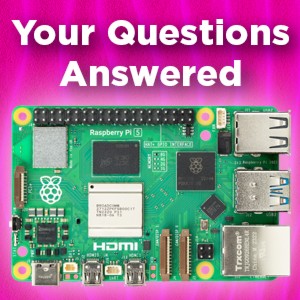
Answering Your Pi 5 Questions | Cooling, Overclocking, Power and More
The Raspberry Pi 5 was announced just a few weeks ago and across the internet, we have seen some recurring questions, so in this article, we tried our best to answer some of them. Contents: Overclocking Questions Cooling Quest...
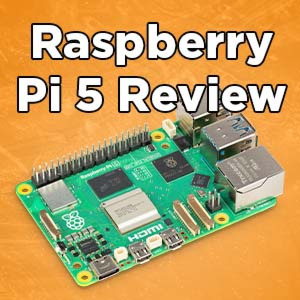
Raspberry Pi 5 | Review, Performance & Benchmarks
The Raspberry Pi 5 is here! Our favourite credit card-sized computer has just gotten an update and we already have one here to take a look at, so let’s power it up, run some tests, and see what’s new! (If you want to s...
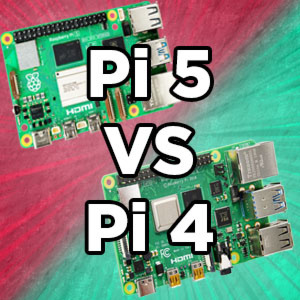
Raspberry Pi 5 Vs Raspberry Pi 4 Model B | Comparison & Benchmarking
The Raspberry Pi 5 is here and one of the biggest questions is, how does it stack up against the previous Pi 4? Well, we already have one to take a look at so let’s run some benchmarks and compare the two.(We also have another articl...

Track Airplanes up to 400km Away with a Raspberry PiAware - FlightAware
It is time for an Airplane Tracking Raspberry Pi! The final setup here will let you personally collect data on the exact whereabouts of airplanes over 400km away. It will update one to four times each minute. Be passenger planes, cargo air...

How to make a Raspberry Pi NAS - A NAS-Berry that Runs Open Media Vault
Welcome to the best article on setting up an OpenMediaVault-based NAS on a Raspberry Pi Single Board Computer! This guide is the fastest and best way to go about it. Raspberry Pi single-board computers are purpose-built to run 24/7, with a...
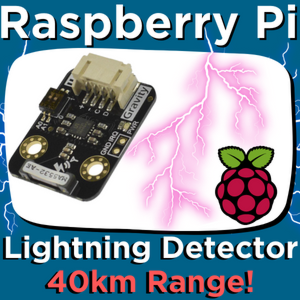
Lightning Sensor with a Raspberry Pi Single Board Computer - 40 KM RADIUS RANGE!
What if I told you that you could have the power to detect a lightning strike from 40km away? You'd probably think I've gone mad watching too many Marvel movies. But it is true! All thanks to the DFRobot Gravity: Lightning Sensor. Accessib...
How to use Force Sensitive Resistors with a Raspberry Pi and a ADS1015 ADC
Force-sensitive resistors (FSR) are remarkable electrical components and are proper unsung heroes in the Makers World. Name me a better variable touch input device which has basically no moving parts, all whilst being available in such a t...
Fingerprint Scanner with Raspberry Pi Single Board Computer - Unlock with Biometrics!
Let's unlock Biometric Control on our Raspberry Pi Single Board Computers! Biometric Technology uses unique physical or behavioral attributes that are individual to each person and not (easily) replicable. Extraordinarily everyone on Earth...

Control Large GoBILDA DC Motors With a Raspberry Pi - Pololu Motoron HAT
This guide will demonstrate exactly how to control any large DC Motors that we stock with a Raspberry Pi Single Board Computer, through code or through a Bluetooth Controller. To clarify (in my mind) a large DC Motors runs at 12+ Volt...
Control Multiple Fully-Addressable WS2812B RGB LED Strips with a Raspberry Pi Single Board Computer
This is an update to an older guide done so that we can provide you with the fastest, most modern, and best way to set up your system. Nothing beats bright shiny colourful lights and this guide demonstrates the fastest and most customizab...

How to set up a PiHole on a Raspberry Pi - Block All Ads and More!
Time to create a Little Red Advertisement Devouring Monster. This will be a self-hosted, network-wide, ad-blocking system running on a Raspberry Pi Single Board Computer. It will also stop access to malware sites and phishing websites. Fur...

How to use a PiRelay HAT for Raspberry Pi - Multiple Relay Control with Voice or GUI
This guide will teach you exactly how to use a Raspberry Pi Single Board Computer to independently control 4 relays. A Relay is an electrically operated switch. This is all possible thanks to the PiRelay V2 HAT from SB Components. These re...
How to use Stepper Motors and DC Motors with a Raspberry Pi - Adafruit DC & Stepper Motor HAT
Note: This guide does not work with the Raspberry Pi 5. The Pi 5 handles its GPIO pins differently so the libraries used in this guide no longer work. A Pi 4 or older will still work just fine with this guide. This guide will demo...

Integrated Computer Vision Package - OAK-D Lite With Raspberry Pi Set Up
If you ever needed a performance boost when running Machine Learnt AI Systems (like facial recognition) with a Raspberry Pi Single Board Computer then I have a solution for you. The OAK-D Lite. The Oak-D Lite is the Leatherman Multi-tool o...
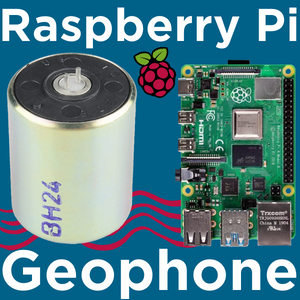
Set Up a Geophone with a Raspberry Pi and an ADC (ADS1115)
Geophones are devices that generate electric signals proportional to the particle velocity in a sound/compression wave. More simply a Geophone is a super low frequency microphone for the ground. Geophones are used around the world to measu...
4G and GPS HAT For Raspberry Pi - Waveshare SIM7600X
Love your Raspberry Pi but wish it had even more connectivity akin to your mobile phone. Then the Waveshare 4G HAT is the solution for you! HAT simply means Hardware attached On Top. With this installed on your Raspberry Pi Single Board Co...
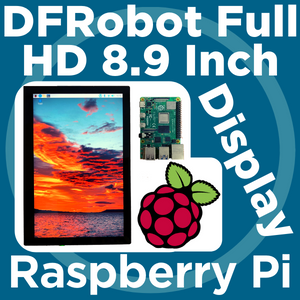
DFRobot 8.9 Inch 1920x1200 IPS Touch Display For Raspberry Pi - Set Up Guide
It is time for a high-quality, complete package, 1920x1200 (HD) display set up with a Raspberry Pi Single-Board Computer. In regards to touch screens with Raspberry Pi have looked at Tiny GPIO HAT LCD displays, medium-sized AMOLED maker di...
Raspberry Pi Imager - How to Use
This will be a quick 101 on how to use the Raspberry Pi Imager so that you can Flash a new Micro-SD Card. Everything you need to use this Software will be found in this article. The contents of this guide can be seen below. - Download Loc...
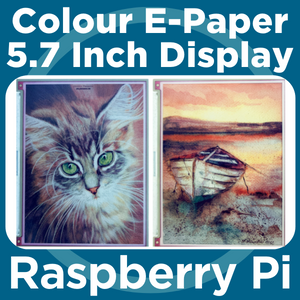
7 Colour E-Ink Display For Raspberry Pi | Inky Impression 5.7" (7 Colour ePaper/eInk HAT)
It has finally happened, they figured it out! The new frontier of Colour Electronic Paper is here and I'm very impressed. People have been demanding this ever since the first E-Paper readers hit the market in the noughties. That black and ...
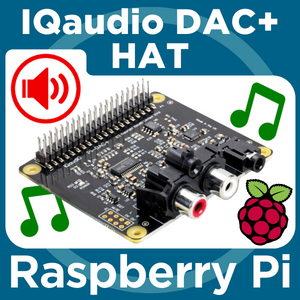
Raspberry Pi and the IQaudio DAC+ | Volumio and Raspberry Pi OS | Hi-Fi on a Ras-Pi
Flawless high-quality audio output on a Raspberry Pi Single Board Computer! All is achieved by the IQaudio DAC+ HAT. This dedicated DAC lets you enjoy high-quality, distortion-free, artifact-free, low noise, and high-bitrate audio playback...

PiicoDev RFID Module - Guide for Raspberry Pi
Radio Frequency IDentification (RFID) uses electromagnetic fields to identify and communicate with tags. Each RFID module emits radio waves that energise the passive tag, which then responds with its own identifying number or data, as reque...
PiicoDev Magnetometer QMC6310 - Guide for Raspberry Pi
This guide is for the previous revision of the PiicoDev Magnetometer QMC6310 - if you have the latest revision featuring the MMC5603 - head to the guide for updated links and instructions.Let's get started with the PiicoDev® Magnetomet...
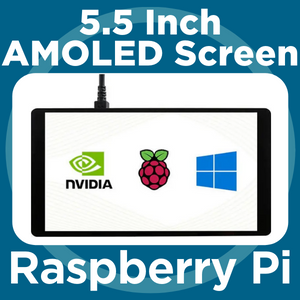
Waveshare 5.5 Inch AMOLED Screen for Raspberry Pi
Ever wanted a pocket computer with a Full HD screen (1080x1920)? Love tiny GPIO screens like this 3.5 Inch from Waveshare but want one that is a little bigger and higher resolution so that it is easier to read? Or want a really premi...
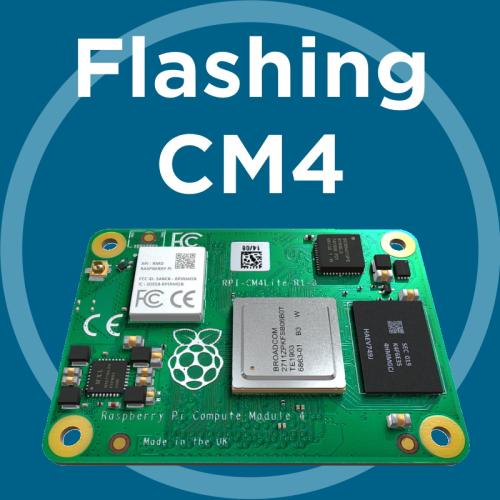
How to Flash/Write Raspbian OS onto Raspberry Pi Compute Module 4 (CM4)
While the Raspberry Pi Compute Module 4s (CM4s) share a lot with the regular Pi 4 Model B, getting started with the flashing process can be quite different depending on which model you pick! This article aims to demystify that, so without f...
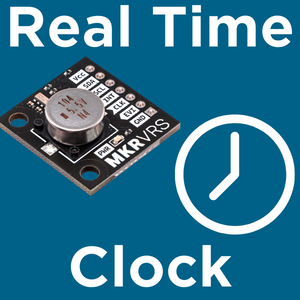
Makerverse Real Time Clock with Supercapacitor Backup - Raspberry Pi Guide
Introduction This guide covers the configuration steps required to use the Makerverse Supercap Real Time Clock module as a backup RTC on a Raspberry Pi. This is required for remote applications when Internet access is impractical and accur...

Pose Estimation and Face Landmark Tracking with Raspberry Pi and OpenCV
[Update – Until there is correct compatibility of OPEN-CV with the new Raspberry Pi ‘Bullseye’ OS I highly recommend at this stage flashing and using the previous Raspberry Pi ‘Buster’ OS onto yo...

Setting up and Using the Adafruit 16-Channel Servo HAT for Raspberry Pi
This guide will teach you how to control up to 992 5V Servos through the GPIO pins on your Raspberry Pi! But more practically, without stacking multiple HATS (Hardware Attached on Top), this guide will teach exactly how to control sixt...
Hand Recognition and Finger Identification with Raspberry Pi and OpenCV
[Update – Until there is correct compatibility of OPEN-CV with the new Raspberry Pi ‘Bullseye’ OS I highly recommend at this stage flashing and using the previous Raspberry Pi ‘Buster’ OS onto y...

How to Flash the Old 'Buster' Raspberry Pi OS to a Micro-SD
This will be a quick article showing the process to flash the legacy Raspberry Pi OS 'Buster' Debian 10 (or any previous OS iteration) to a Micro-SD card. With any exciting new Operating System (OS) release, there are always small ...
How to use Raspberry Pi Cameras with Bullseye OS Update
With the newest update to Raspberry Pi OS (Debian Version 11 - nicknamed ‘Bullseye’) there have been some changes to the terminal commands which control attached cameras. This is one of the biggest changes with the new up...

PiicoDev Buzzer Module - Raspberry Pi Guide
Introduction Let's play tones and melodies on a PiicoDev® Buzzer Module with a Raspberry Pi. This guide will cover connecting the hardware, running an example to make sure everything works, and playing simple melodies. To follow along...
PiicoDev RGB LED Module - Raspberry Pi Guide
Let's get started with the PiicoDev® 3x RGB LED Module. In this guide, we'll connect the LED Module to our Raspberry Pi Pico and get it working with some example code to display colourful patterns. To follow along, it's best to ...

PiicoDev Colour Sensor VEML6040 - Raspberry Pi Guide
Introduction Let's read colour data from a PiicoDev® Colour Sensor with a Raspberry Pi and create a colour sorting machine. This guide will cover connecting the hardware, downloading some example code and remixing it. To follow along,...

PiicoDev OLED Module SSD1306 - Raspberry Pi Guide
Let's get started with the PiicoDev® OLED Module SSD1306. In this guide, we'll connect the PiicoDev OLED to our Raspberry Pi and get it working with some example code to display text, shapes, and animations. To follo...
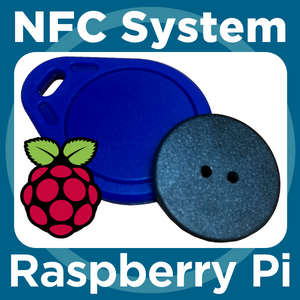
How to use a NFC Reader with Raspberry Pi
Near Field Communication (NFC) is used all and everywhere. As it stands there are over two billion NFC-enabled devices (many of them smartphones) in use today. This basically means over 20% of the world’s population has access t...
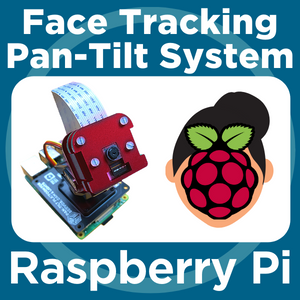
Face and Movement Tracking Pan-Tilt System with Raspberry Pi and OpenCV
[Update – Until there is correct compatibility of OPEN-CV with the new Raspberry Pi ‘Bullseye’ OS I highly recommend at this stage flashing and using the previous Raspberry Pi ‘Buster’ OS ...
Real Time Scanning and Storing QR Codes With Raspberry Pi and OpenCV
[Update – Until there is correct compatibility of OPEN-CV with the new Raspberry Pi ‘Bullseye’ OS I highly recommend at this stage flashing and using the previous Raspberry Pi ‘Buster’ OS ...
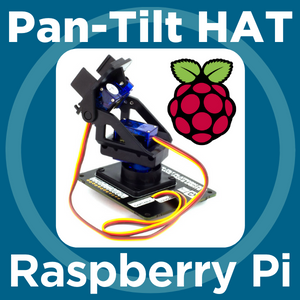
Pan-Tilt Hat with Raspberry Pi - Quick Start Guide
Pimironi Picade Pan-Tilt Hat lets you mount and control a pan-tilt module right on top of your Raspberry Pi palm-sized computer. Setting up a Pan and Tilt system has never been easier with absolutely no soldering required! Pe...

PiicoDev Capacitive Touch Sensor CAP1203 - Raspberry Pi Guide
Let's get started with the PiicoDev® Capacitive Touch Sensor. In this guide, we'll connect the PiicoDev Capacitive Touch Sensor to our Raspberry Pi and get it working with some example code to detect touch events. We'll also remix the c...

Makers love reviews as much as you do, please follow this link to review the products you have purchased.