
Search results for: 'touch panel'
Learn



 DFRobot 8.9 Inch 1920x1200 IPS Touch Display For Raspberry Pi - Set Up Guide
 How to use LCD Displays with Raspberry Pi
 Connecting Humans to Your Project | Zero To Maker Workshop
 PiicoDev Capacitive Touch Sensor CAP1203 | Guide For Raspberry Pi Pico
 Circuit Playground Express Workshop - Chapter 7 - Capacitive Touch

Raspberry Pi Touch Display 2 (7" Portrait)
Display your projects proudly with the Raspberry Pi Touch Display 2, featuring a vibrant 7" portrait-native screen with 720x1280 resolution and true multi-touch capability. Experience seamless interaction with 5-finger touch support and an impressive 85-degree viewing angle, perfect for DIY projects and custom interfaces.
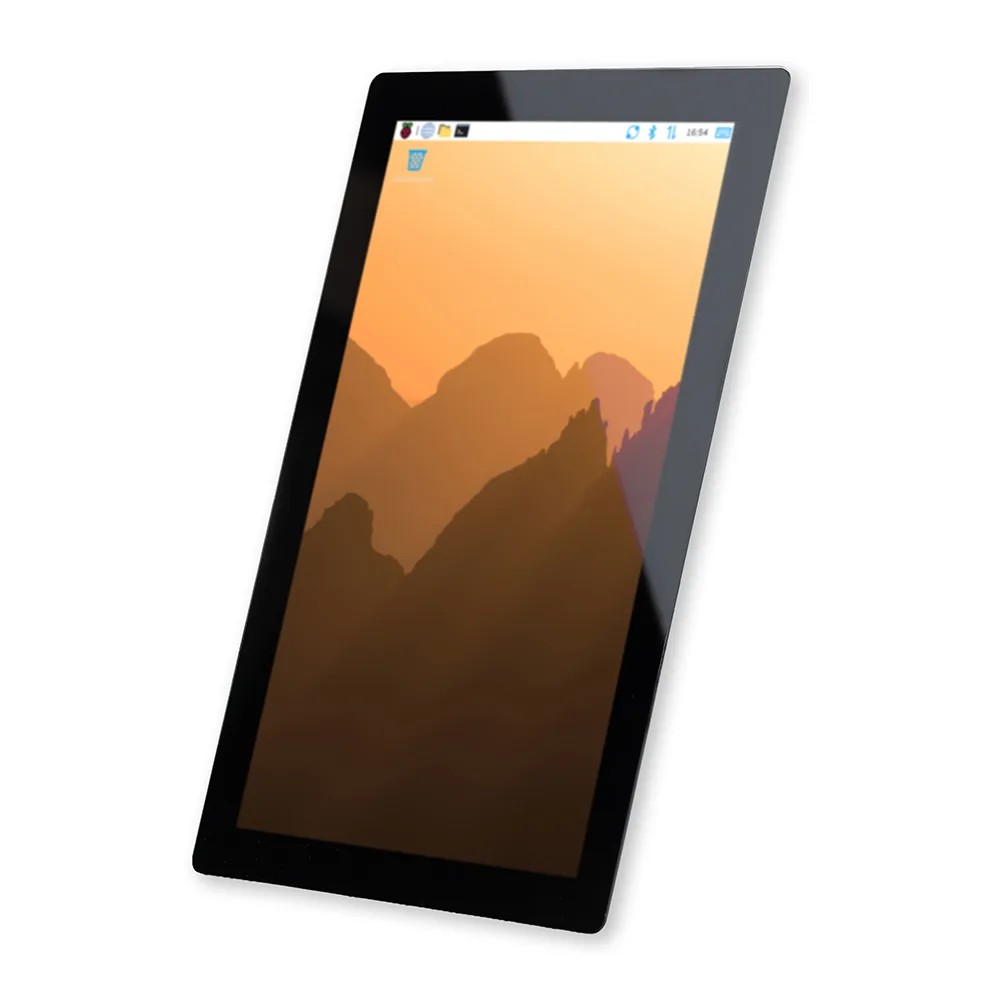
Raspberry Pi Touch Display 2 (10.1" Portrait)
A bigger take on Raspberry Pi's Touch Display 2 - more screen, more windows, and a premium 10.1 inch view for projects that need room to breathe.

ESP32-S3 7inch Capacitive Touch Display Development Board
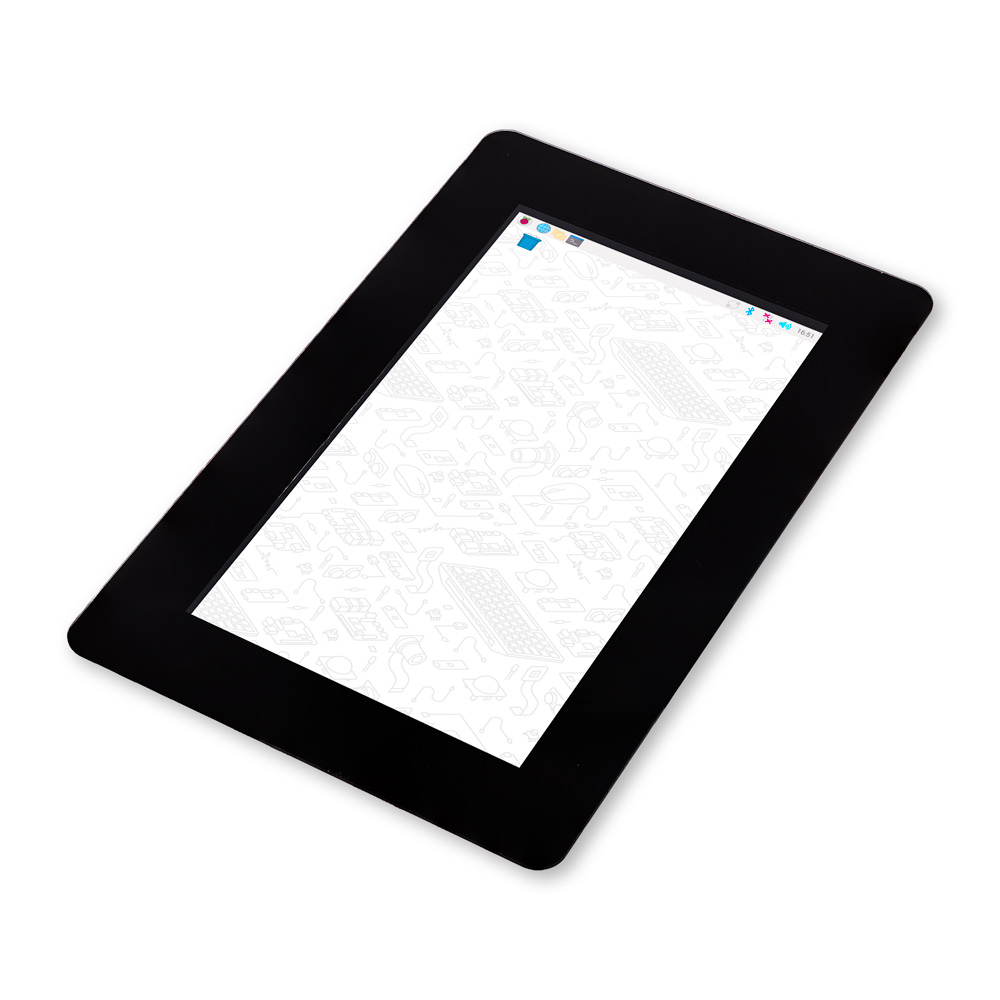
Raspberry Pi Touch Display 2 (5" Portrait)
A smaller version of Raspberry Pi's touch display 2 - perfect for cramming a Pi into a smaller space!

ESP32-S3 4.3inch Capacitive Touch Display Development Board
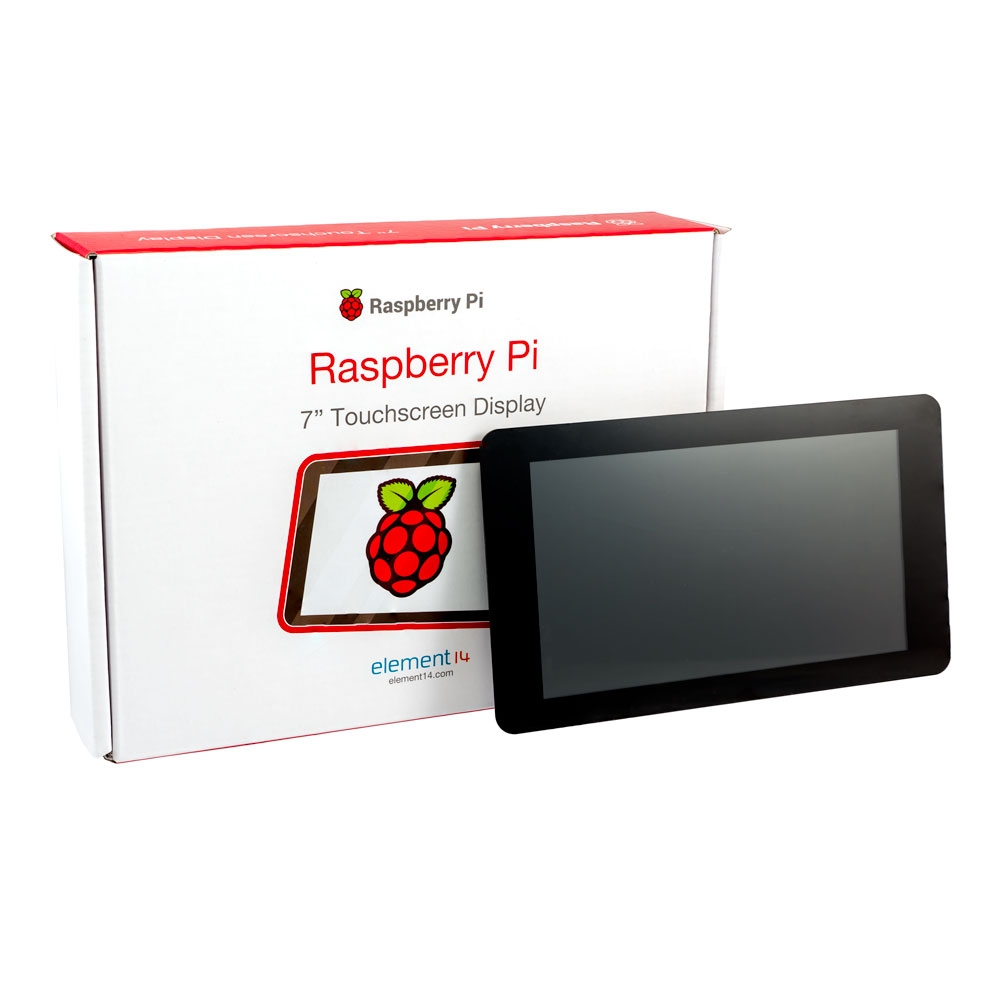
Pi Foundation PiTFT - 7" Touchscreen Display for Raspberry Pi

1.28inch Round LCD Display Module with Touch, (240×240 Pixels)
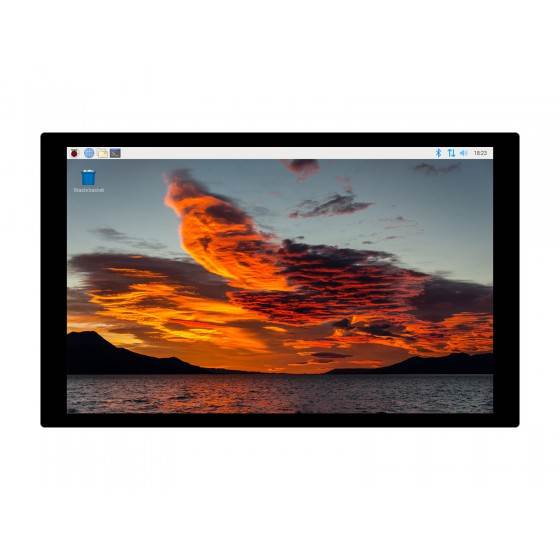
10.1inch Capacitive Touch Display (1280×800 pixels)
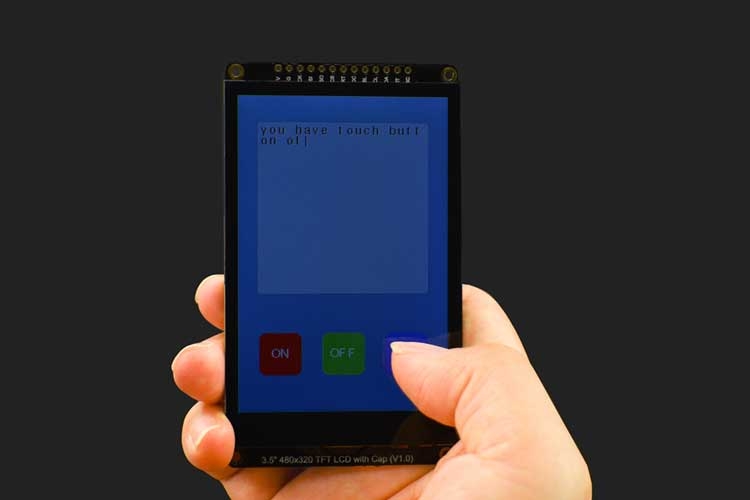
3.5” 480x320 TFT LCD Capacitive Touchscreen
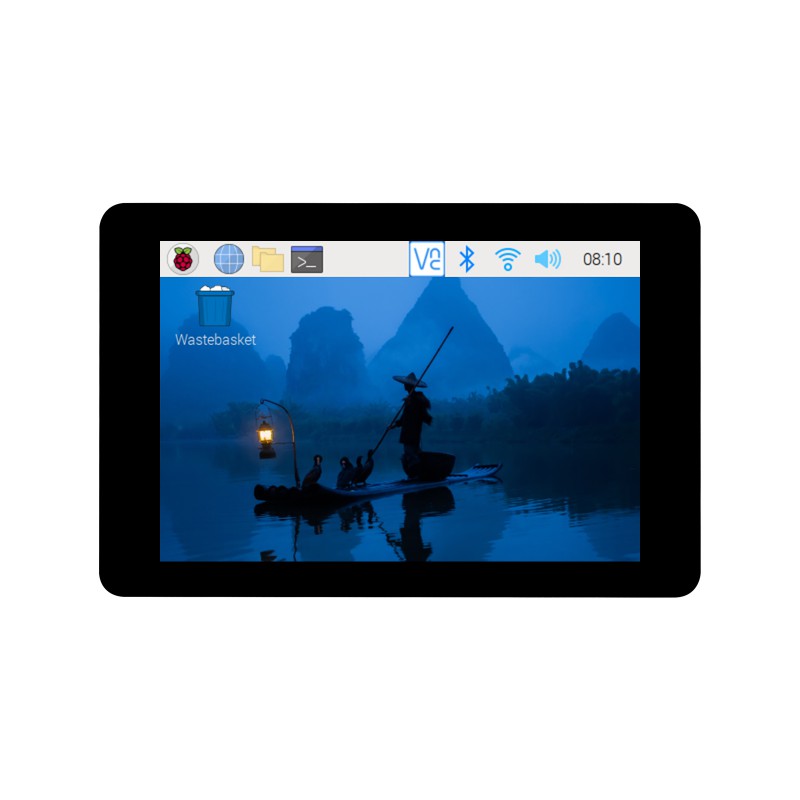
3.5inch Capacitive Touch Display (F) for Raspberry Pi

10.1inch Capacitive Touch Display for Raspberry Pi, 1280×800, IPS, DSI Interface
10.1inch DSI Capacitive Touch Display (800×1280, IPS Panel)
4.3inch DSI Touch Display, 800 × 480, IPS Panel
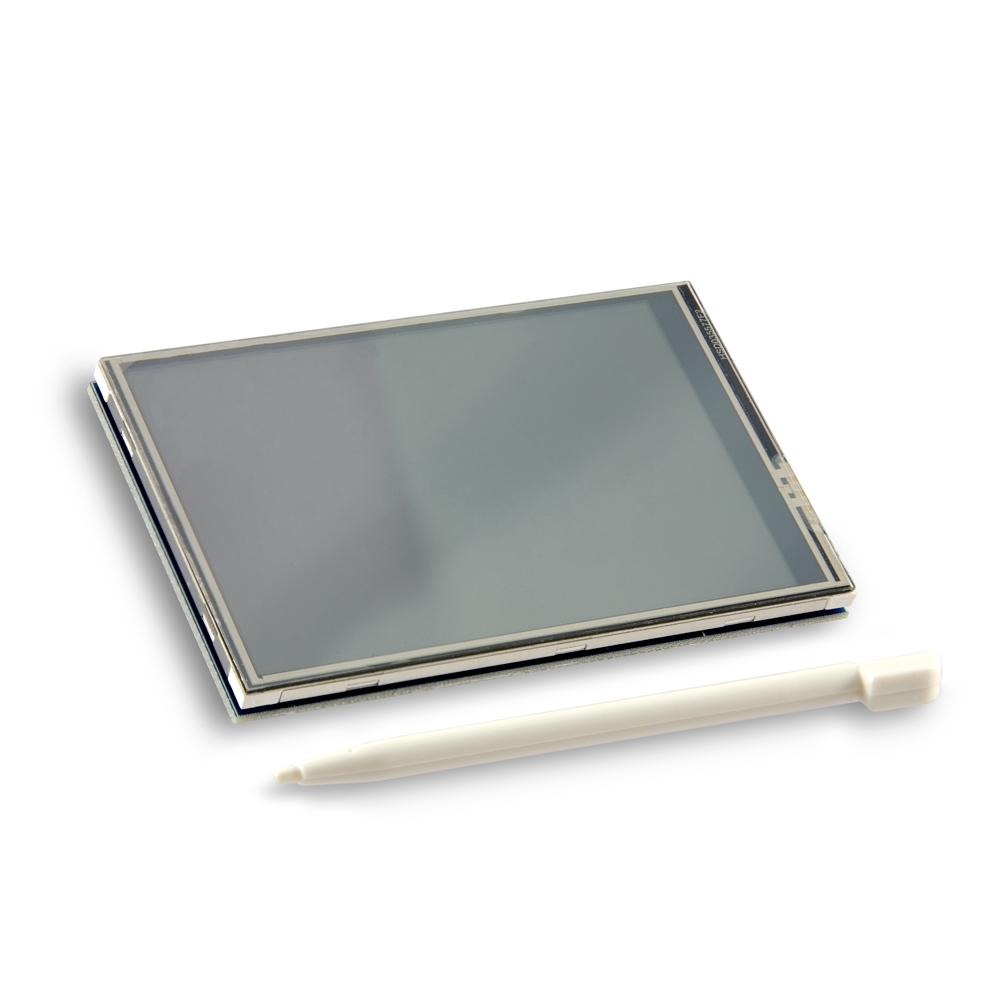
3.5inch Display Module Touch LCD with Stylus for Raspberry Pi Model B/B+

5 Inch Low-Power DSI IPS Touch Display for Raspberry Pi (800×480 Pixels)
Waveshare 3.5inch LCD For Raspberry Pi, 640×480, IPS, Capacitive Touch
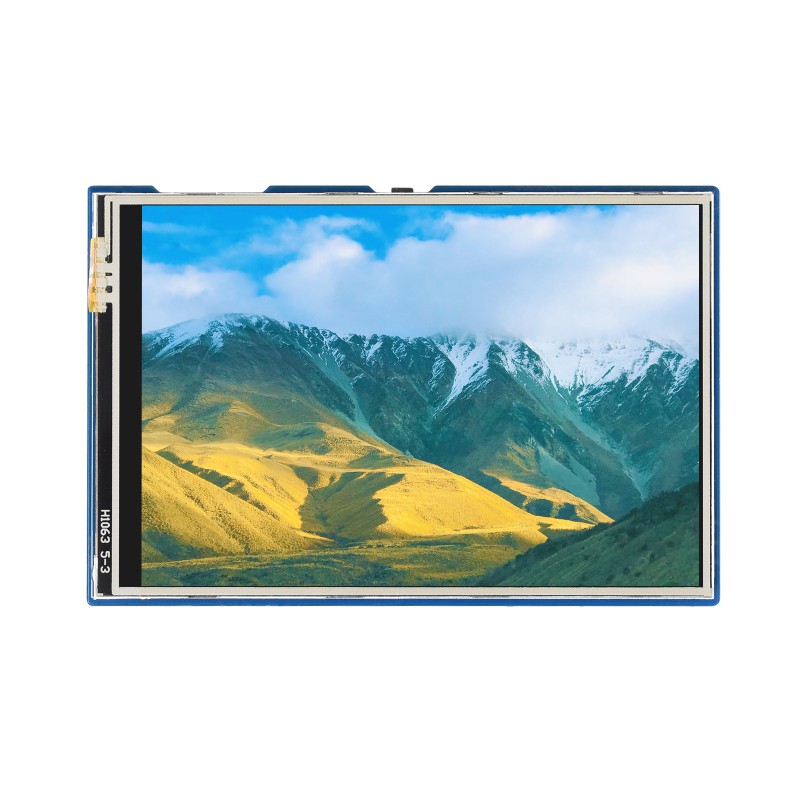
3.5inch Touch Display Module for Raspberry Pi Pico

WT32-SC01 Plus - ESP32 dev board With 3.5 Inch LCD Touch Screen
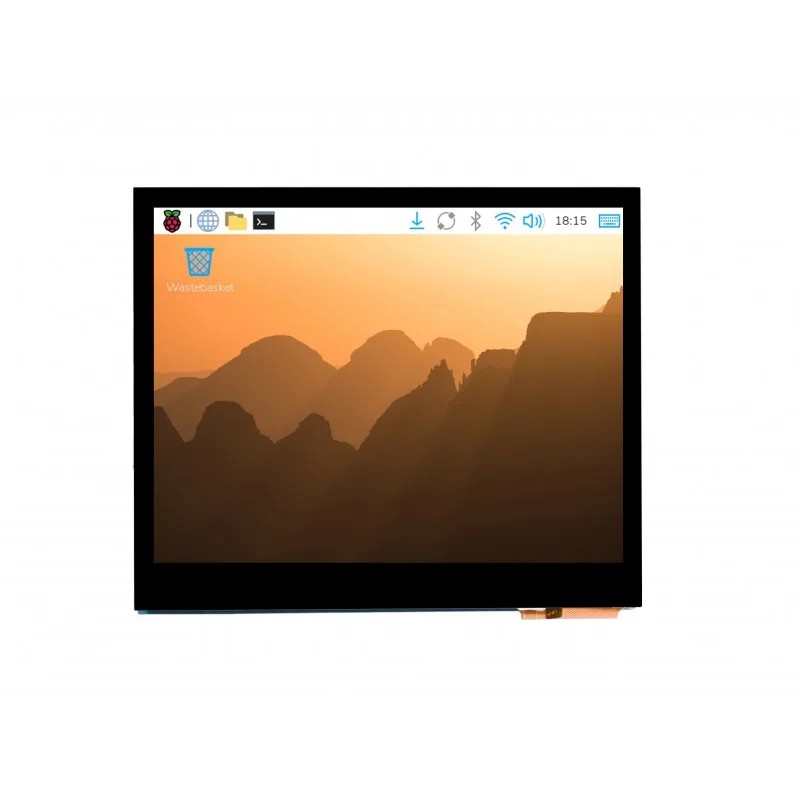
Waveshare 3.5inch HDMI Touch LCD IPS 640x480 (E)
Crisp 640×480 IPS touch in a 3.5-inch footprint, driven over plain HDMI - no GPIO pins used, and it works with any Pi, Jetson or PC.

Fermion: 2.8” 320x240 TFT LCD Resistive Touchscreen with MicroSD Card Slot (Breakout)
With 320x240 color pixels, this 2.8” LCD display module adopts the ILI9341 driver chip and integrates XPT2046 that supports resistive touch.
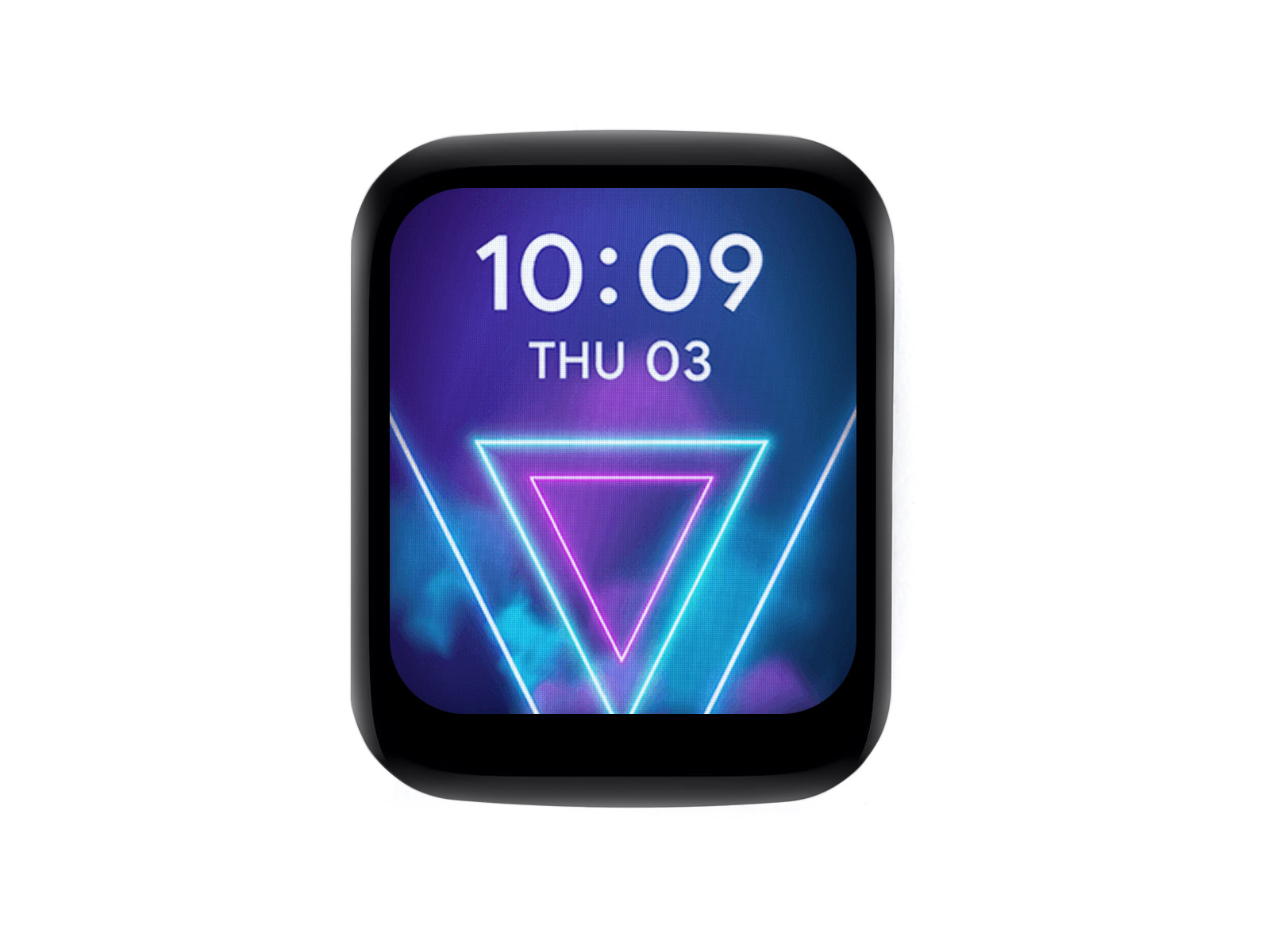
1.69inch Round LCD Display Module with Touch Panel

8inch Capacitive Touch Display, Wide Color Gamut, 1280×800, Optical Bonding Toughened Glass Panel, HDMI/Type-C Display Interface

Waveshare 7.9inch Capacitive Touch Screen LCD, 400×1280
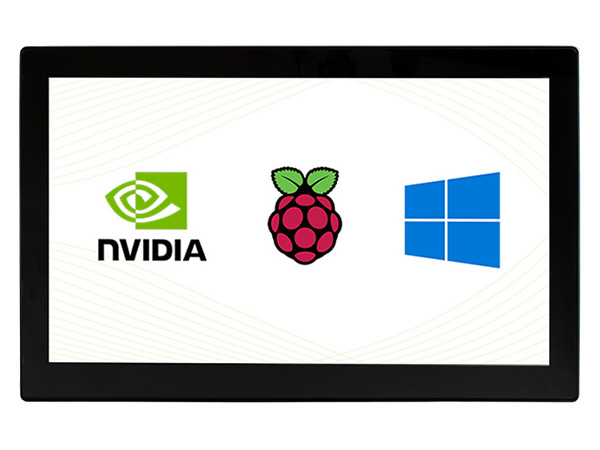
13.3inch Capacitive Touch Screen LCD with Case V2, 1920×1080, HDMI, IPS, Various Systems Support
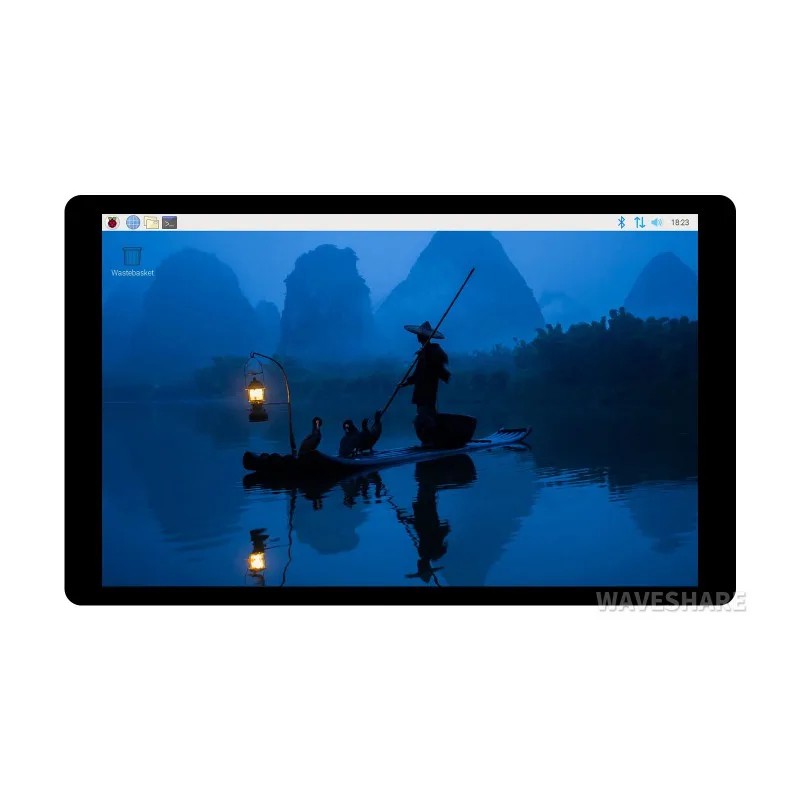
7inch DSI Capacitive Touch Display (1280×800, IPS Panel)
Ten-point touch, wide-gamut colour and a toughened glass front, all driven from a single DSI ribbon on your Raspberry Pi.
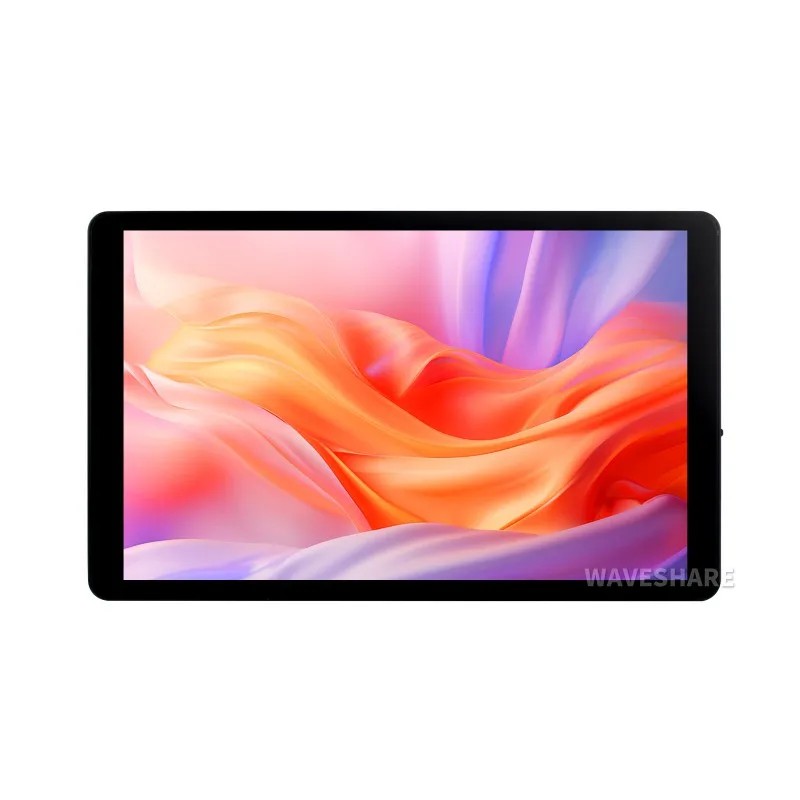
Waveshare 7inch Capacitive Touch Display (1280×800, Toughened Glass, HDMI/Type-C Interface)
A 1280×800 IPS panel with 10-point touch and built-in speakers — plug into a Pi, mini PC or phone over one Type-C cable.
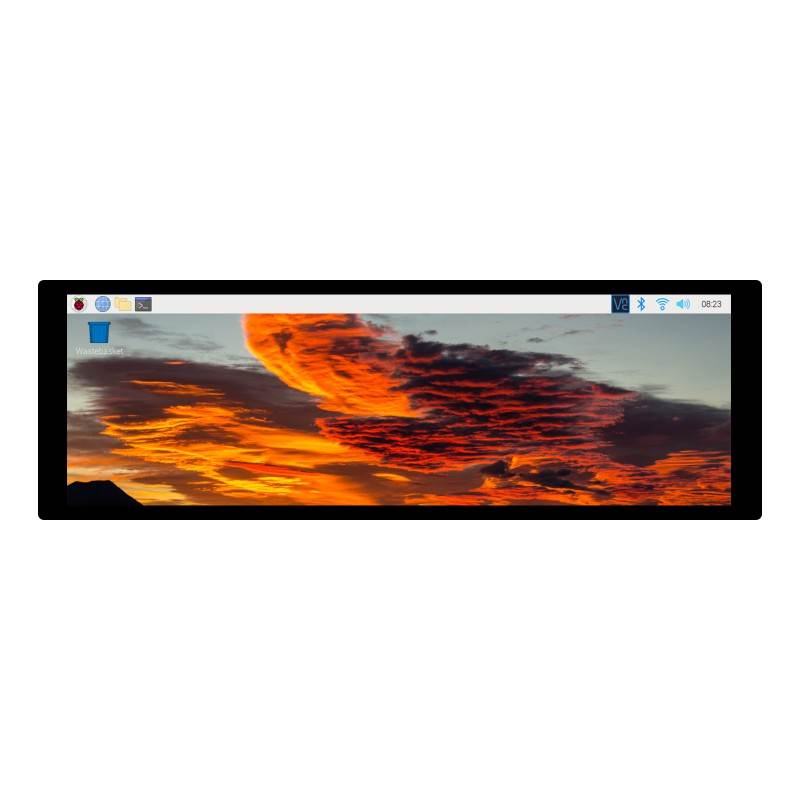
7.9inch Capacitive Touch Display for Raspberry Pi, 400×1280, IPS, DSI Interface
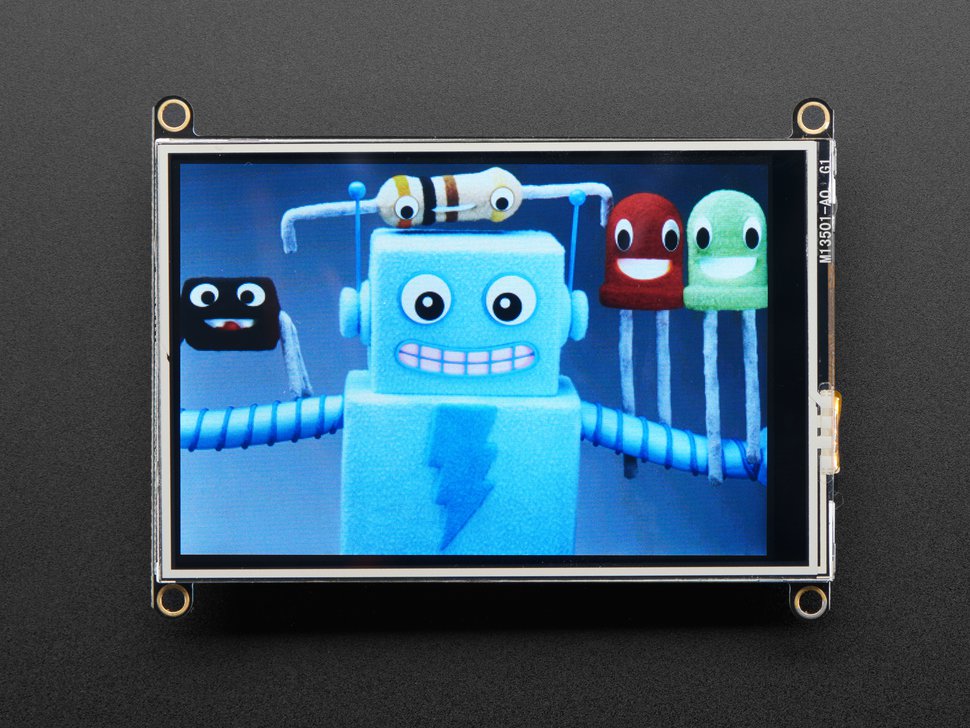
Adafruit TFT FeatherWing - 3.5 480x320 Touchscreen for Feathers

Pimoroni HyperPixel 4.0 Square Touch - Hi-Res Display for Raspberry Pi
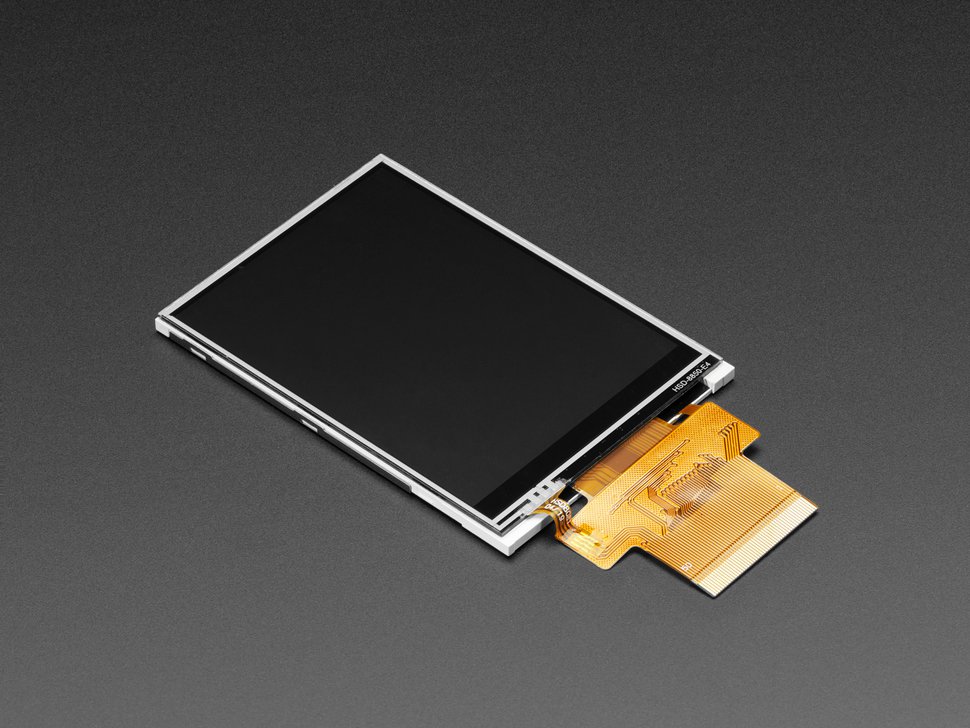
3.2 TFT Display with Resistive Touchscreen
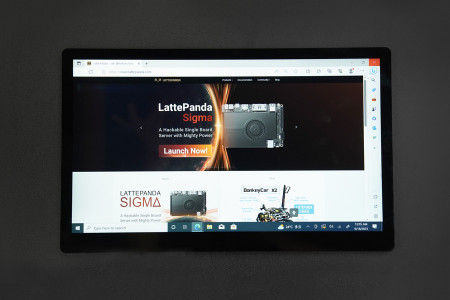
15.6 Inch 1920x1080 IPS Type-C Touch Screen & Display

7 HDMI Display with Capacitive Touchscreen
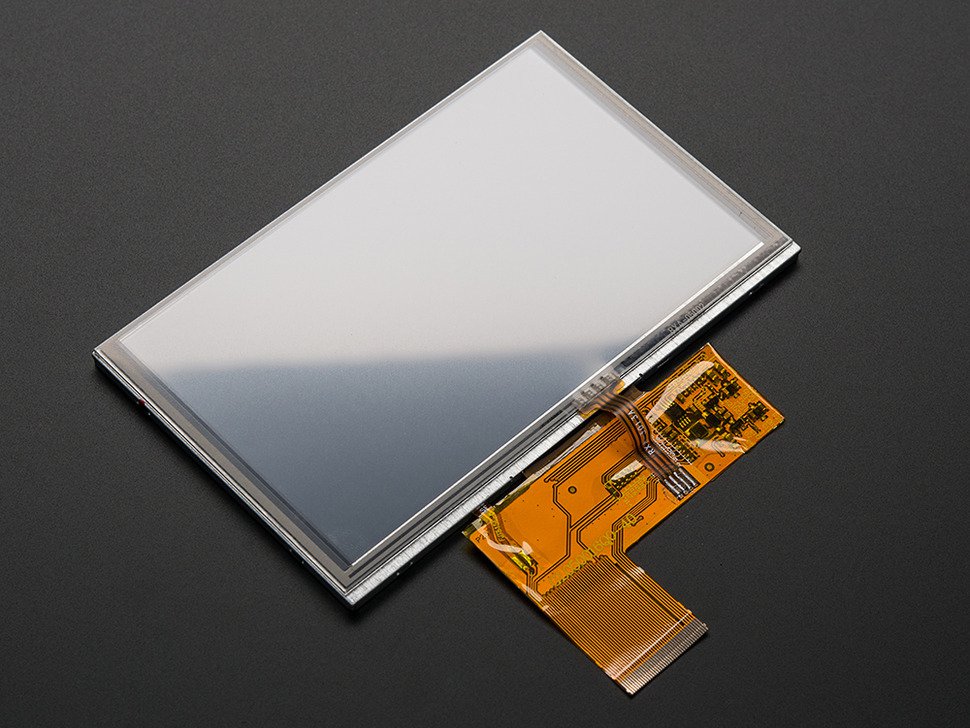
5.0 40-pin TFT Display - 800x480 with Touchscreen
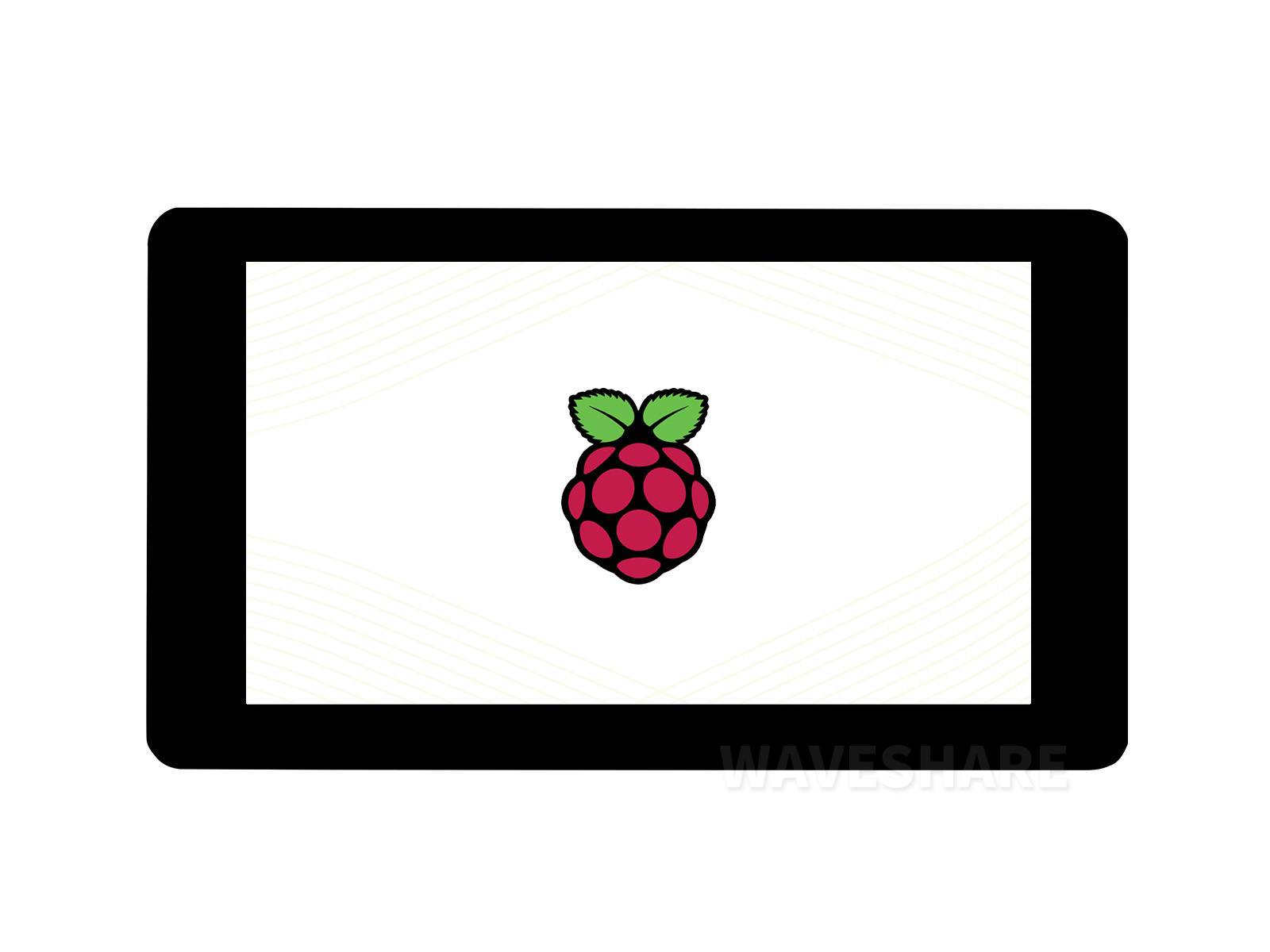
7inch Capacitive Touch IPS Display for Raspberry Pi

11.6inch Capacitive Touch Screen LCD, 1920×1080, HDMI, IPS
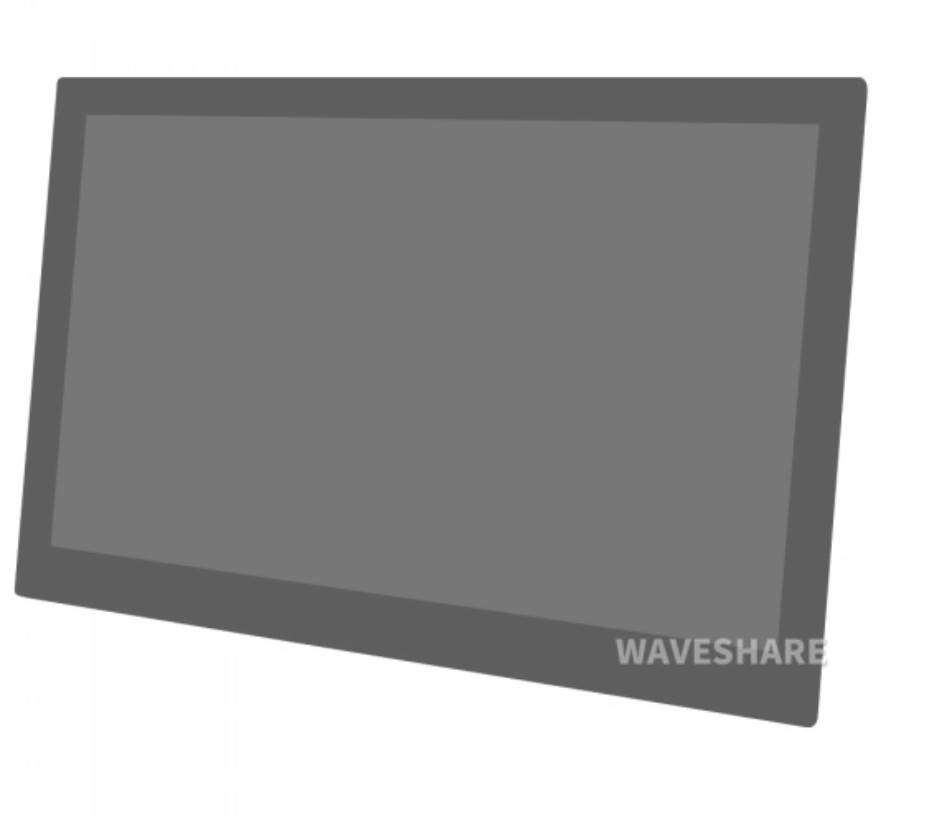
13.3 inch Capacitive Touch Screen LCD, (1920×1080 pixels, HDMI, IPS)
Prototype custom interfaces and portable workstations without wrestling with drivers or fragile displays. Combining a 1920x1080 IPS panel, 10-point capacitive touch, and a 6H toughened glass overlay for robust plug-and-play functionality.
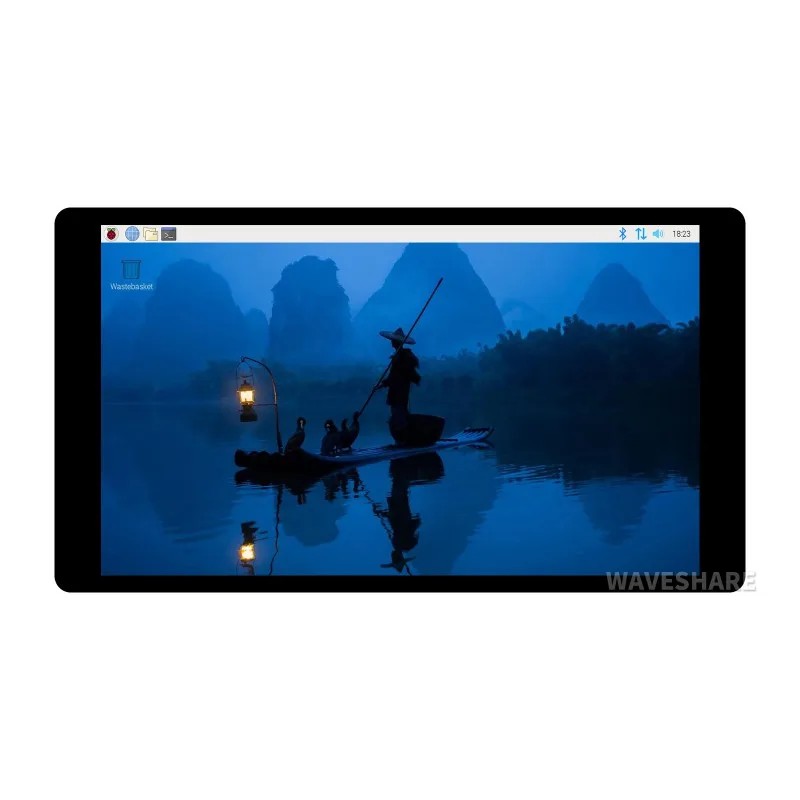
5inch DSI Capacitive Touch Display (720×1280, IPS Panel)
Sharp 720 × 1280 IPS touch panel that bolts straight onto a Raspberry Pi and leaves every GPIO pin free.
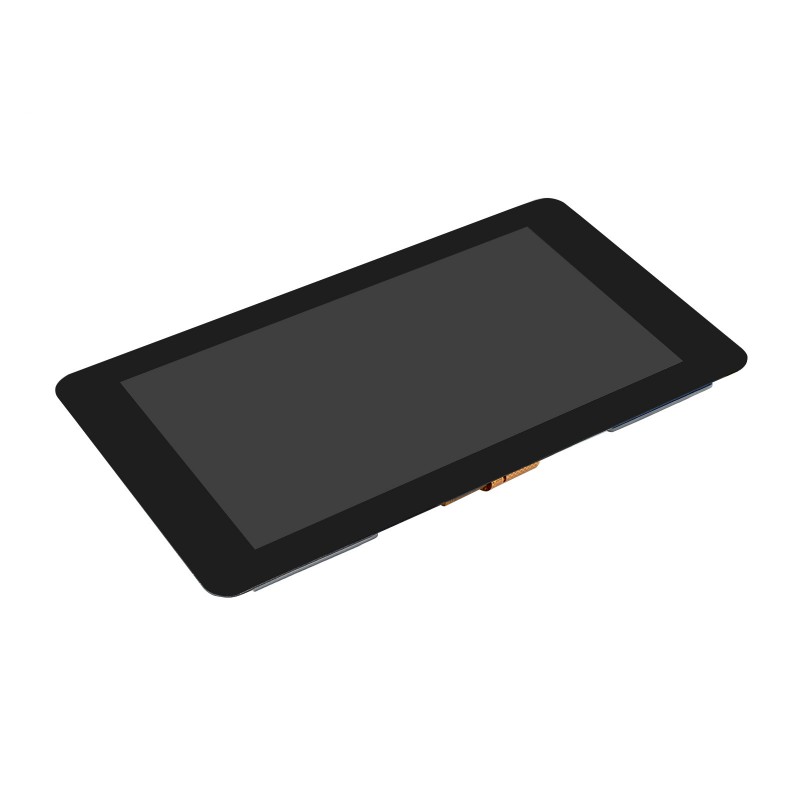
7inch DSI Capacitive Touch Display for Raspberry Pi
7inch Capacitive Touch Display For Raspberry Pi, 800×480, DSI Interface

2.8 TFT LCD with Cap Touch Breakout Board w/MicroSD Socket

2.8 TFT Touch Shield for Arduino with Resistive Touch Screen

Makers love reviews as much as you do, please follow this link to review the products you have purchased.