
Search results for: 'touch screen hdmi'
Learn
 How to Use a LCD Screen/Display with Raspberry Pi
 Fix Raspberry Pi 4 HDMI Not Working With Specific Displays
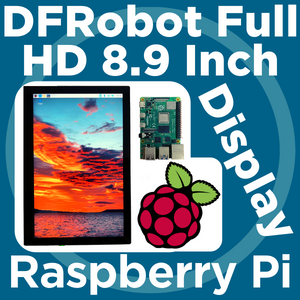 DFRobot 8.9 Inch 1920x1200 IPS Touch Display For Raspberry Pi - Set Up Guide
 How to Set Up a Raspberry Pi Kiosk - Launch a Fullscreen Webpage on Boot!
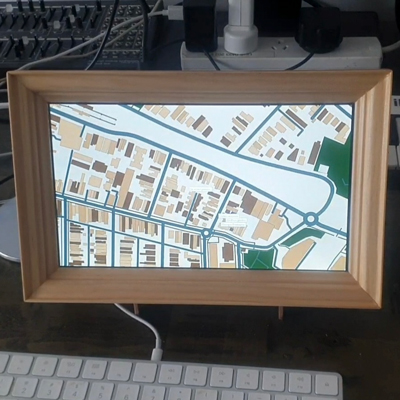 Simulated Parisians: Little Autonomous Pedestrians

7" Touch Display Kit For Raspberry Pi Zero, (1024×600 pixel touch screen)
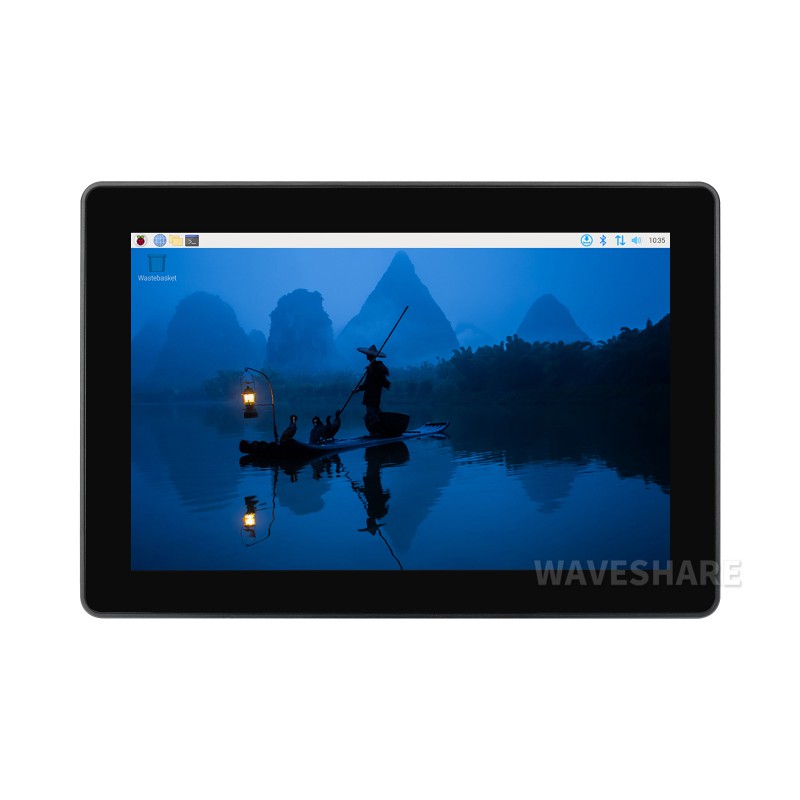
Industrial HMI All-in-one Touch Display For Raspberry Pi (8-inch, BYO Pi + PSU)
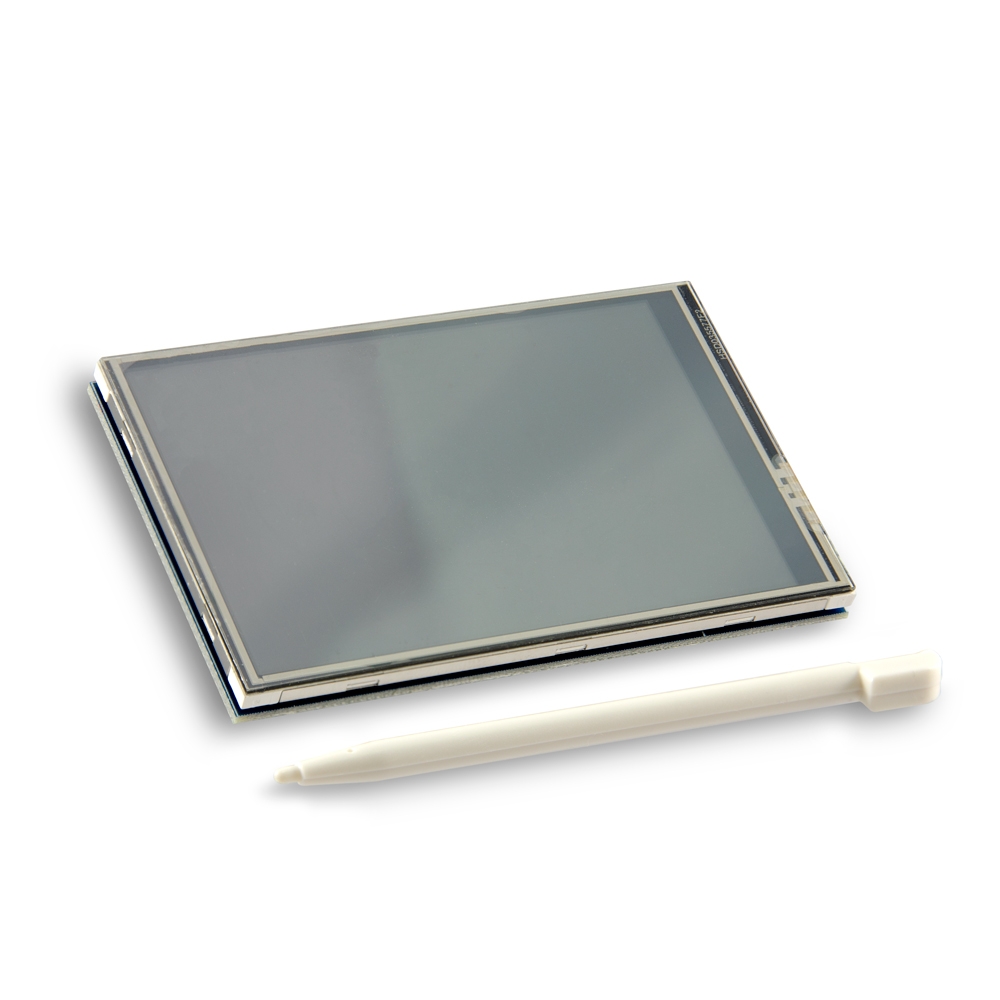
3.5inch Display Module Touch LCD with Stylus for Raspberry Pi Model B/B+
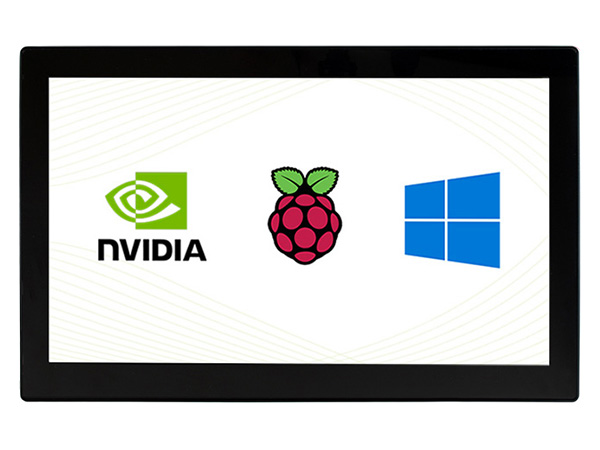
13.3inch Capacitive Touch Screen LCD with Case V2, 1920×1080, HDMI, IPS, Various Systems Support

8inch Capacitive Touch Display, Wide Color Gamut, 1280×800, Optical Bonding Toughened Glass Panel, HDMI/Type-C Display Interface

HDMI Switch - 3:1
Seamlessly switch between 3 different HDMI outputs!
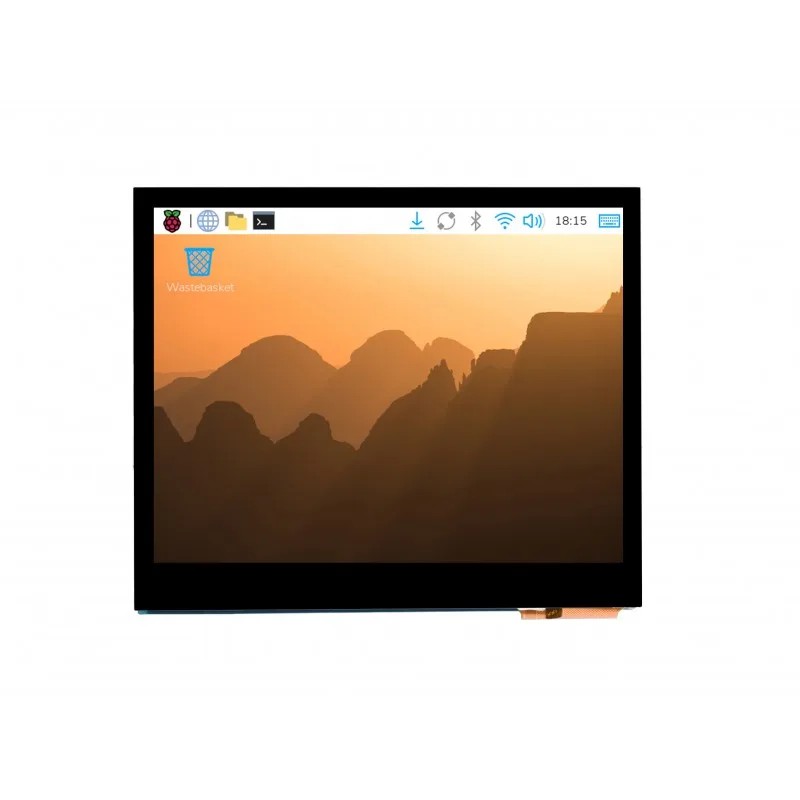
Waveshare 3.5inch HDMI Touch LCD IPS 640x480 (E)
Crisp 640×480 IPS touch in a 3.5-inch footprint, driven over plain HDMI - no GPIO pins used, and it works with any Pi, Jetson or PC.
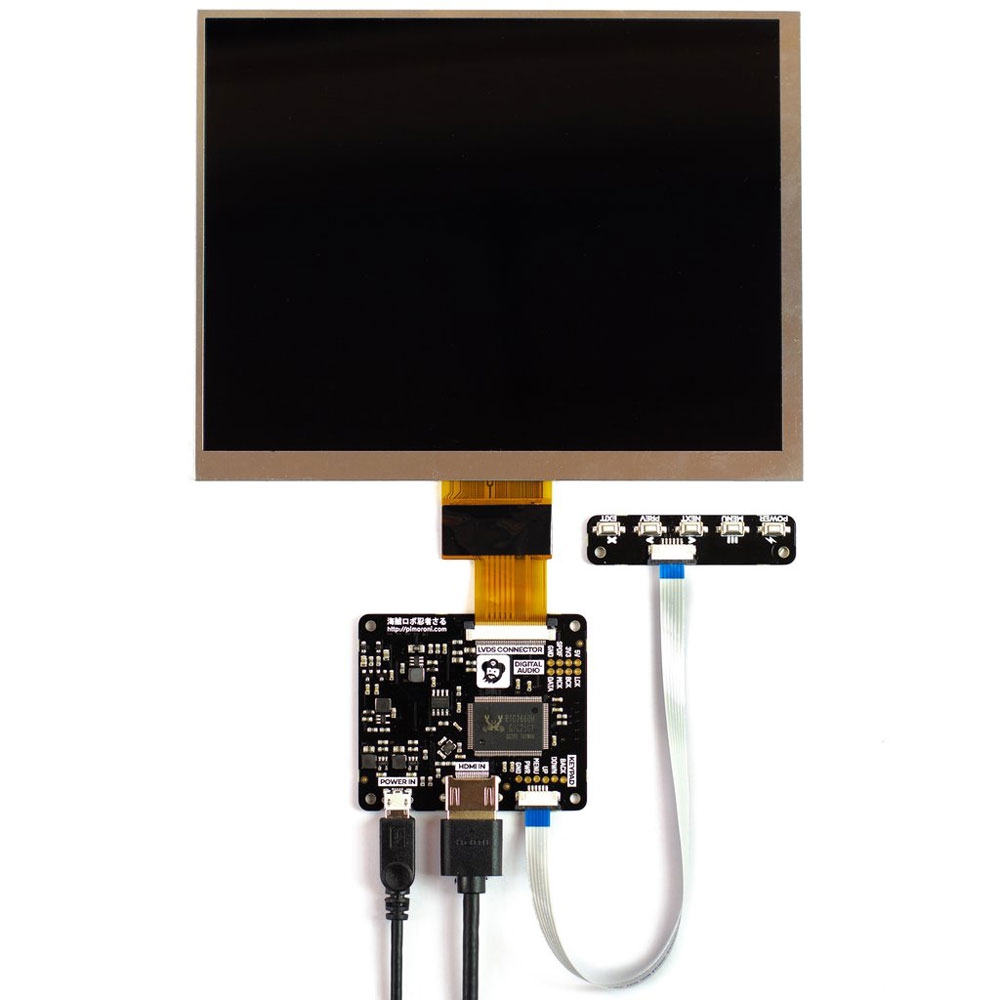
Pimoroni HDMI 8" LCD Screen Kit (1024x768)

Waveshare 7.9inch Capacitive Touch Screen LCD, 400×1280

7 HDMI Display with Capacitive Touchscreen
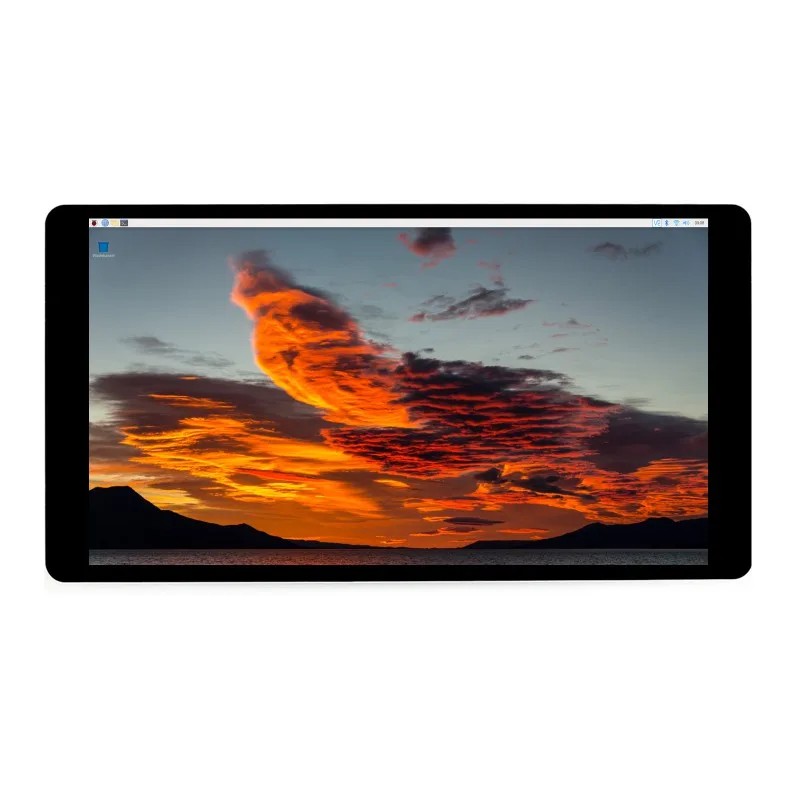
Waveshare 5.5inch HDMI Touch LCD IPS 1440x2560 (2K)
2K resolution packed into 5.5 inches, with optically bonded 10-point touch over HDMI — dense enough that individual pixels disappear.
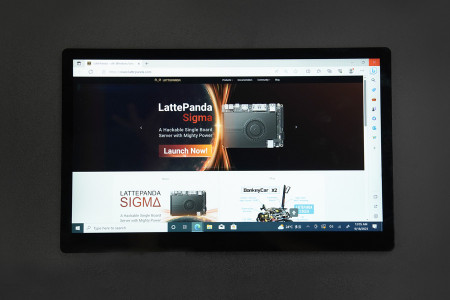
15.6 Inch 1920x1080 IPS Type-C Touch Screen & Display
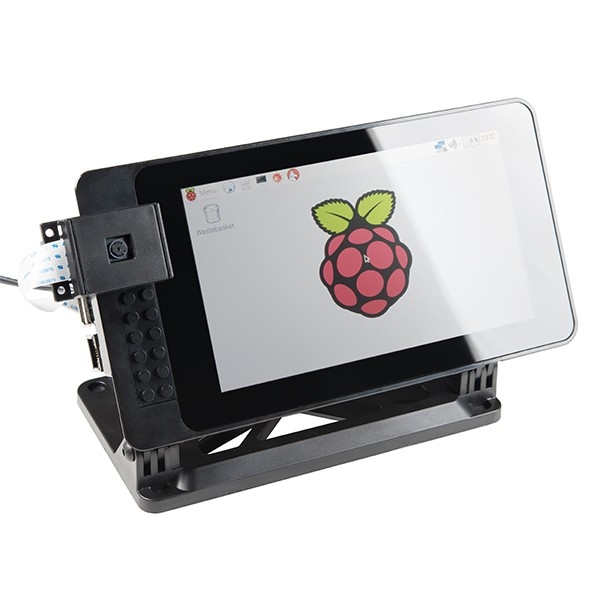
SmartiPi Touch 2 - Stand For Raspberry Pi 7" Touchscreen Display

11.6inch Capacitive Touch Screen LCD, 1920×1080, HDMI, IPS

8 inch 10-Point Capacitive Touch Display 768×1024 HDMI Interface
13.3 inch Capacitive Touch Screen LCD, (1920×1080 pixels, HDMI, IPS)
Prototype custom interfaces and portable workstations without wrestling with drivers or fragile displays. Combining a 1920x1080 IPS panel, 10-point capacitive touch, and a 6H toughened glass overlay for robust plug-and-play functionality.

13.3inch Capacitive Touch Screen LCD (Case, 1920x1080)
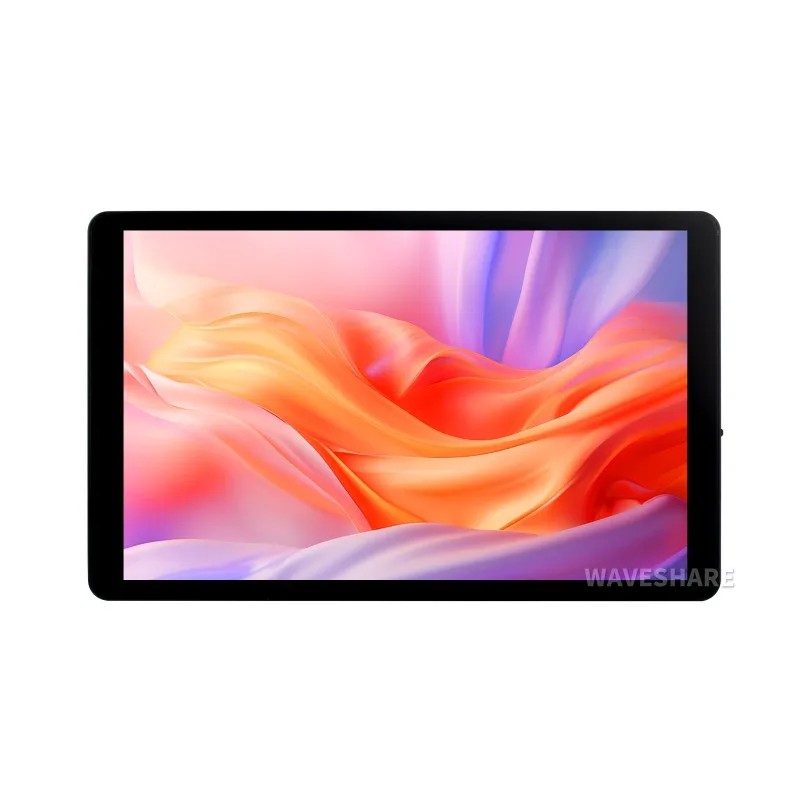
Waveshare 7inch Capacitive Touch Display (1280×800, Toughened Glass, HDMI/Type-C Interface)
A 1280×800 IPS panel with 10-point touch and built-in speakers — plug into a Pi, mini PC or phone over one Type-C cable.

5.5 1920x1080 mini-HDMI OLED Display with Capacitive Touchscreen
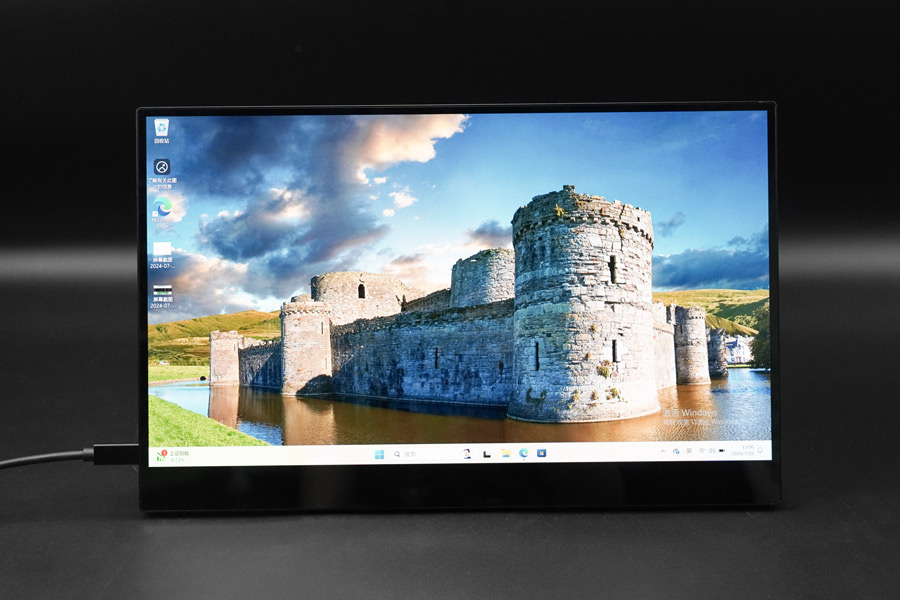
15.6'' Portable 4K HDMI and Type-C OLED Touch Display for LattePanda / Raspberry Pi / NVIDIA SBCs
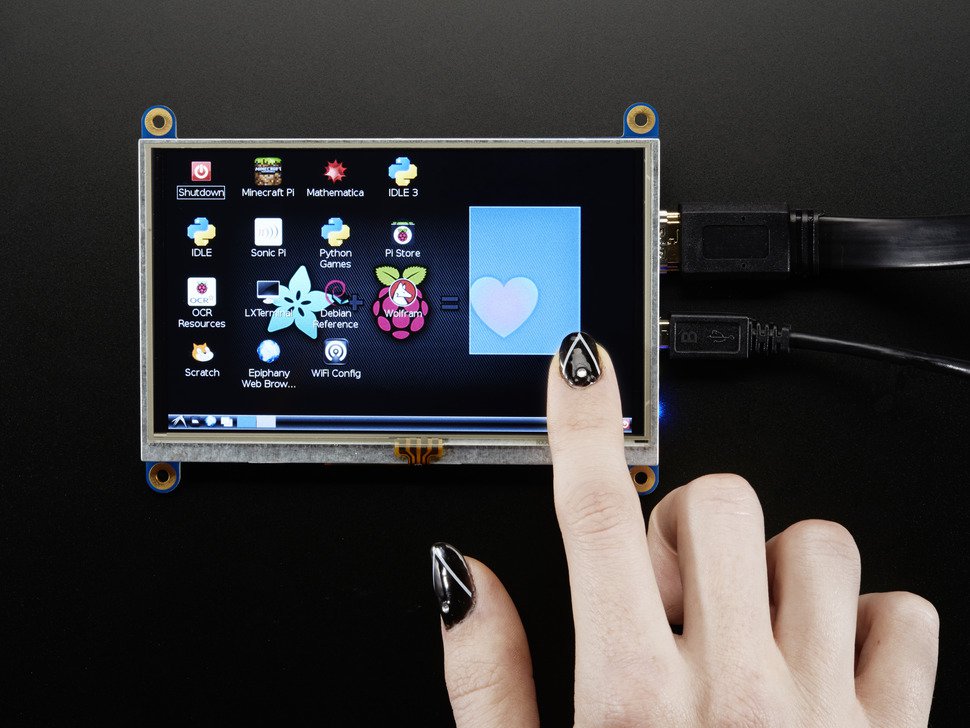
HDMI 5 800x480 Display Backpack - With Touchscreen
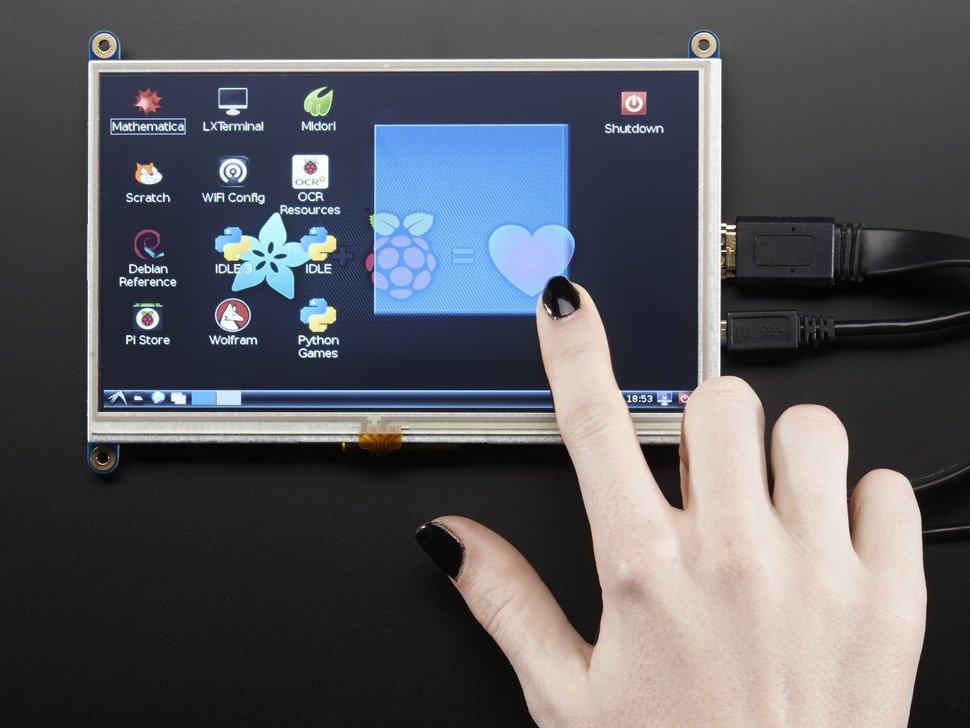
HDMI 7 800x480 Display Backpack - With Touchscreen
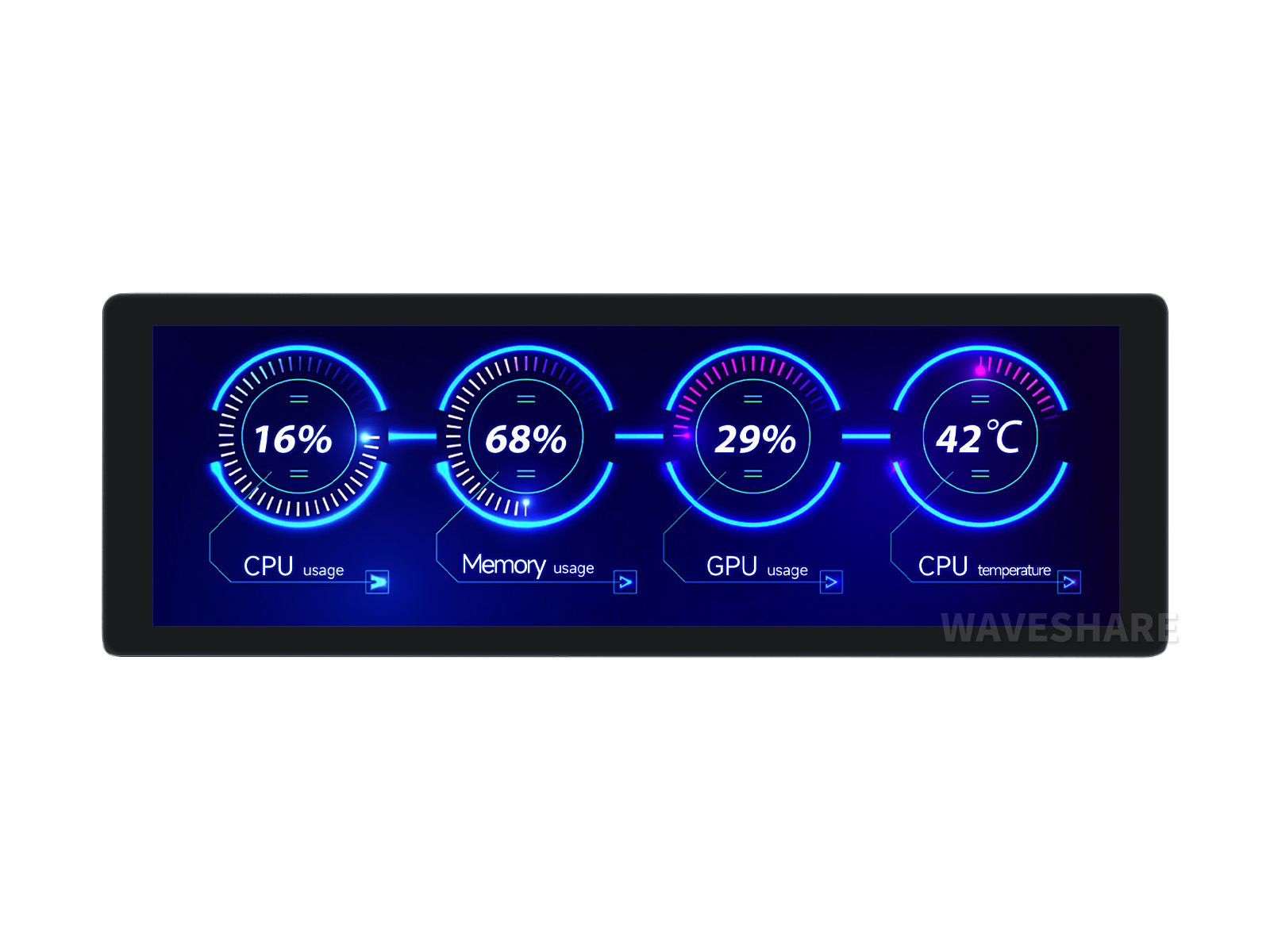
7.9inch IPS Display Without Touch (400×1280 Pixel, HDMI)
7.9inch IPS Display, 400×1280 Pixel, Toughened Glass Panel, HDMI Interface, Hi-Fi Speaker, With Collapsible Stand, Metal Case...
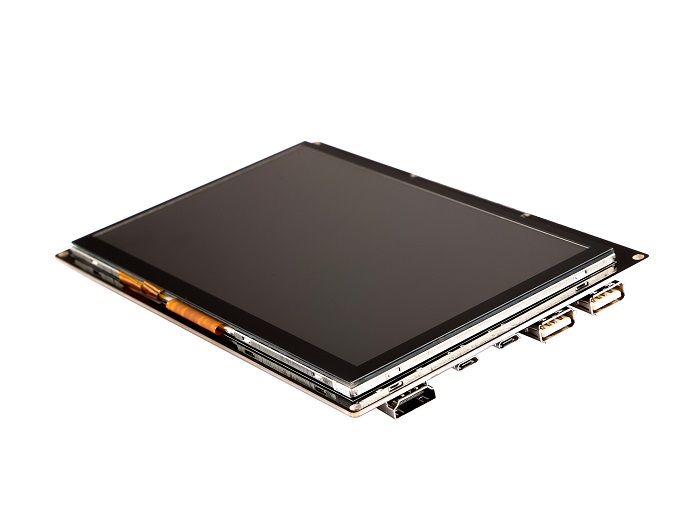
7 inch 1024x600 Capacitive TouchScreen
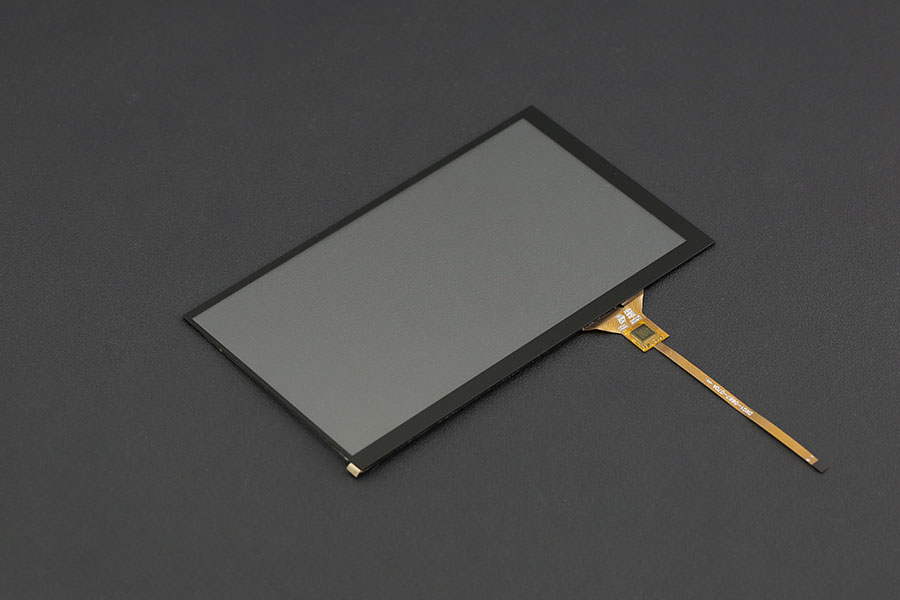
7-inch Capacitive Touch Panel Overlay for LattePanda Display
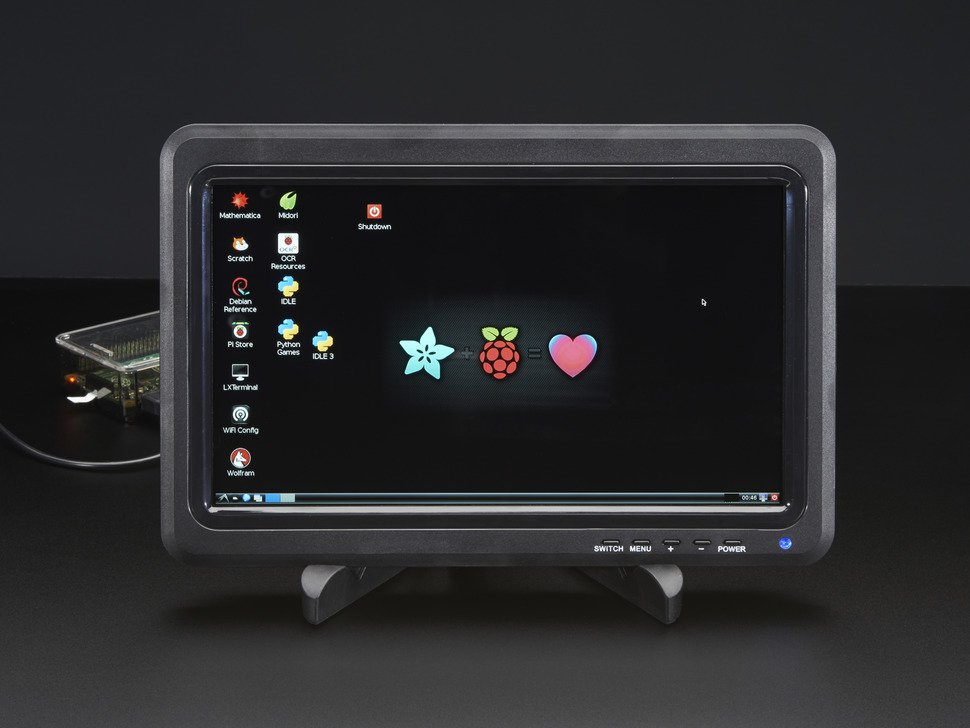
10.1 1366x768 Display IPS + Speakers - HDMI/VGA/NTSC/PAL

Pimoroni HDMI 10" LCD Screen Kit (1024x768)
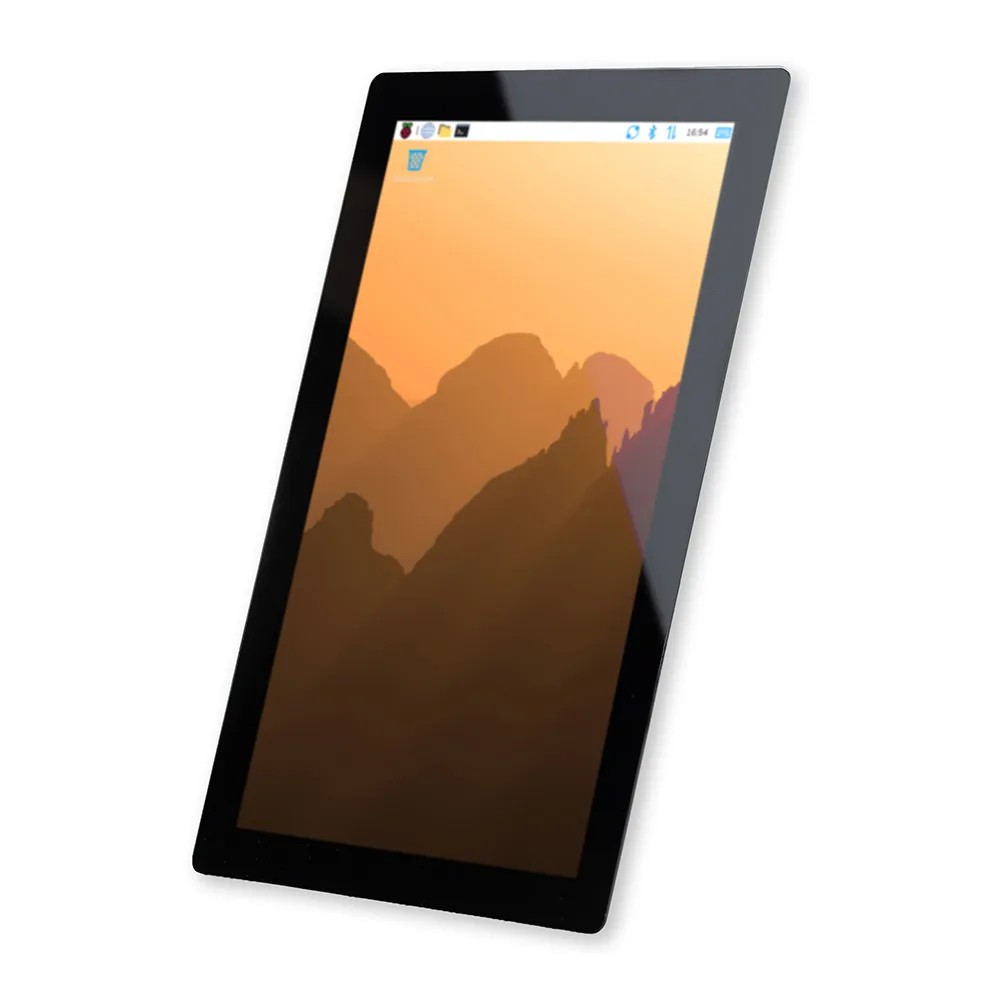
Raspberry Pi Touch Display 2 (10.1" Portrait)
A bigger take on Raspberry Pi's Touch Display 2 - more screen, more windows, and a premium 10.1 inch view for projects that need room to breathe.

10.1inch Capacitive Touch Display for Raspberry Pi, 1280×800, IPS, DSI Interface
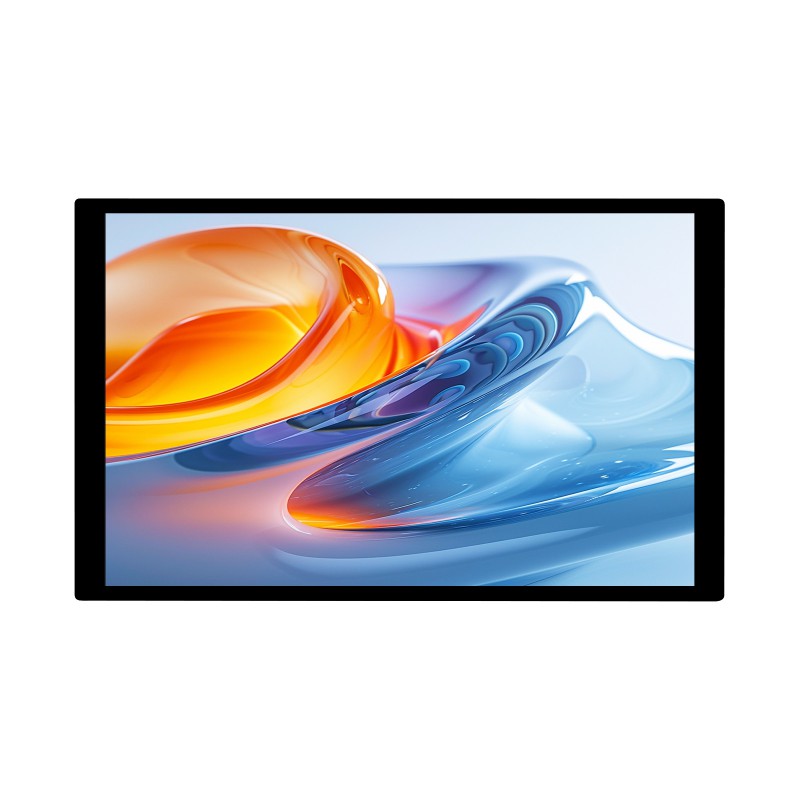
10.1inch DSI Capacitive Touch Display (800×1280, IPS Panel)

1.28inch Round LCD Display Module with Touch, (240×240 Pixels)
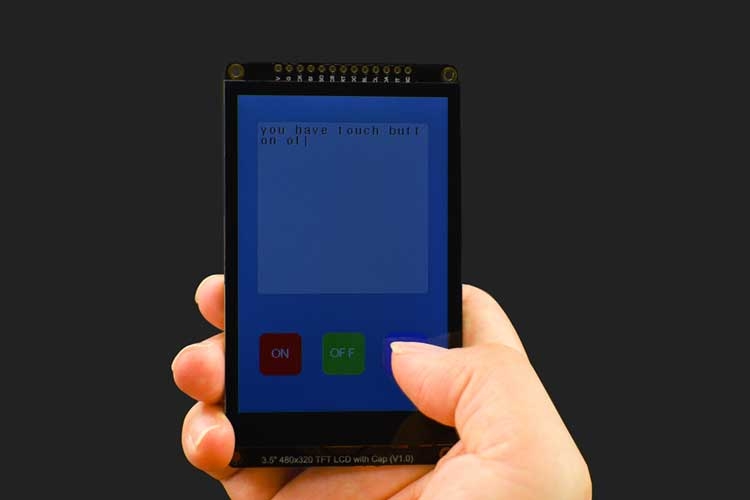
3.5” 480x320 TFT LCD Capacitive Touchscreen
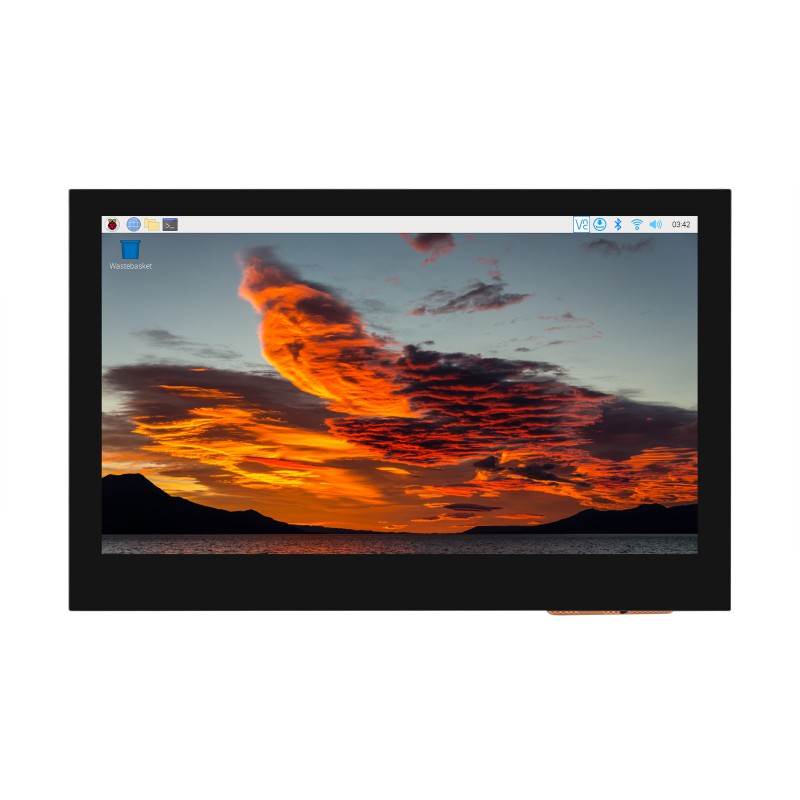
4.3inch DSI Touch Display, 800 × 480, IPS Panel
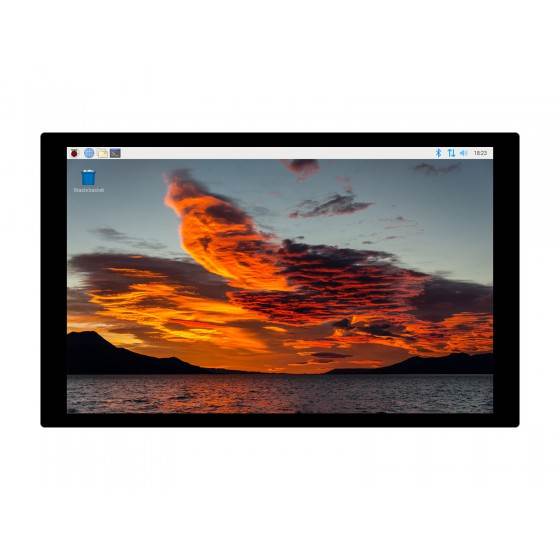
10.1inch Capacitive Touch Display (1280×800 pixels)
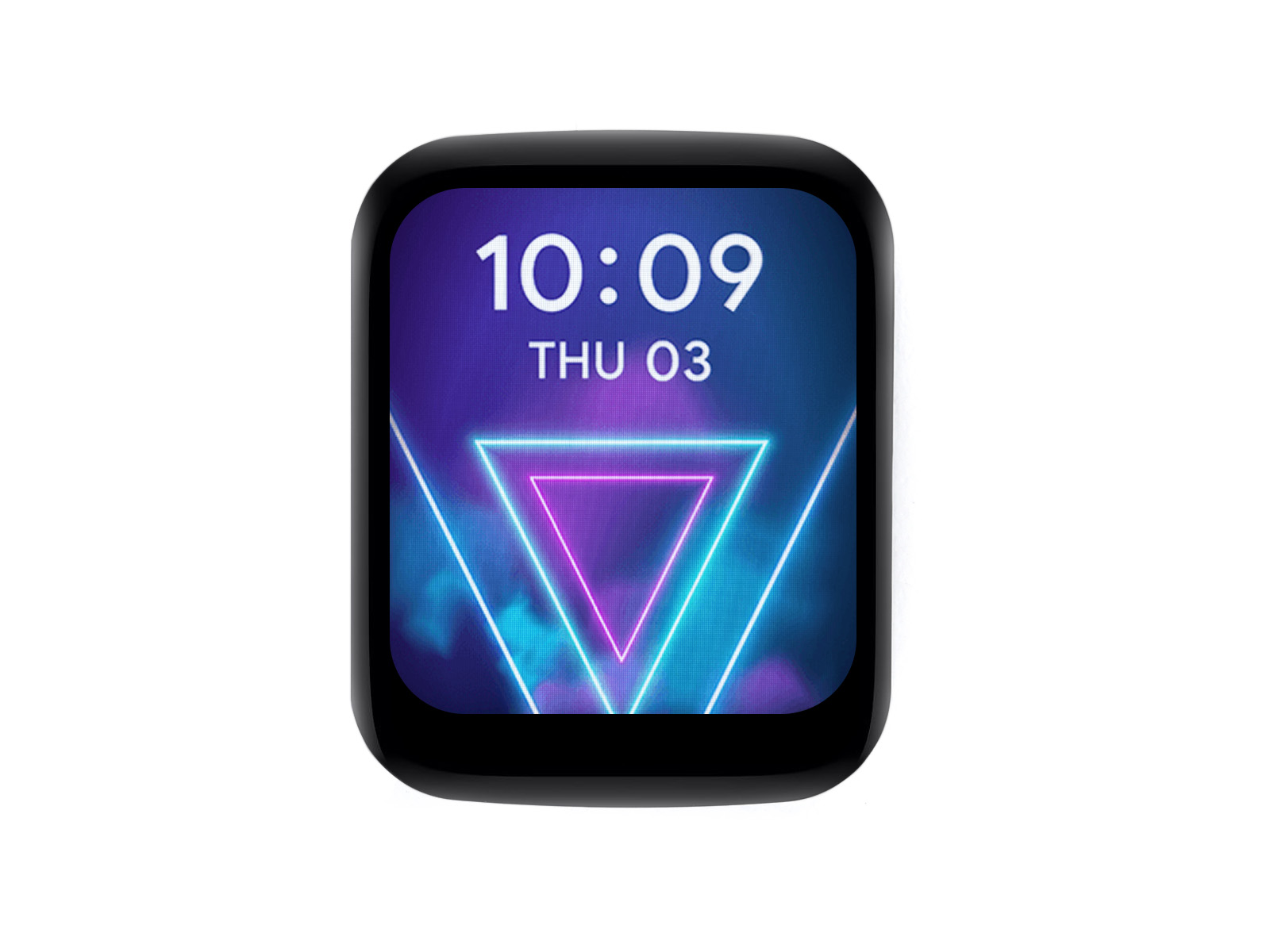
1.69inch Round LCD Display Module with Touch Panel
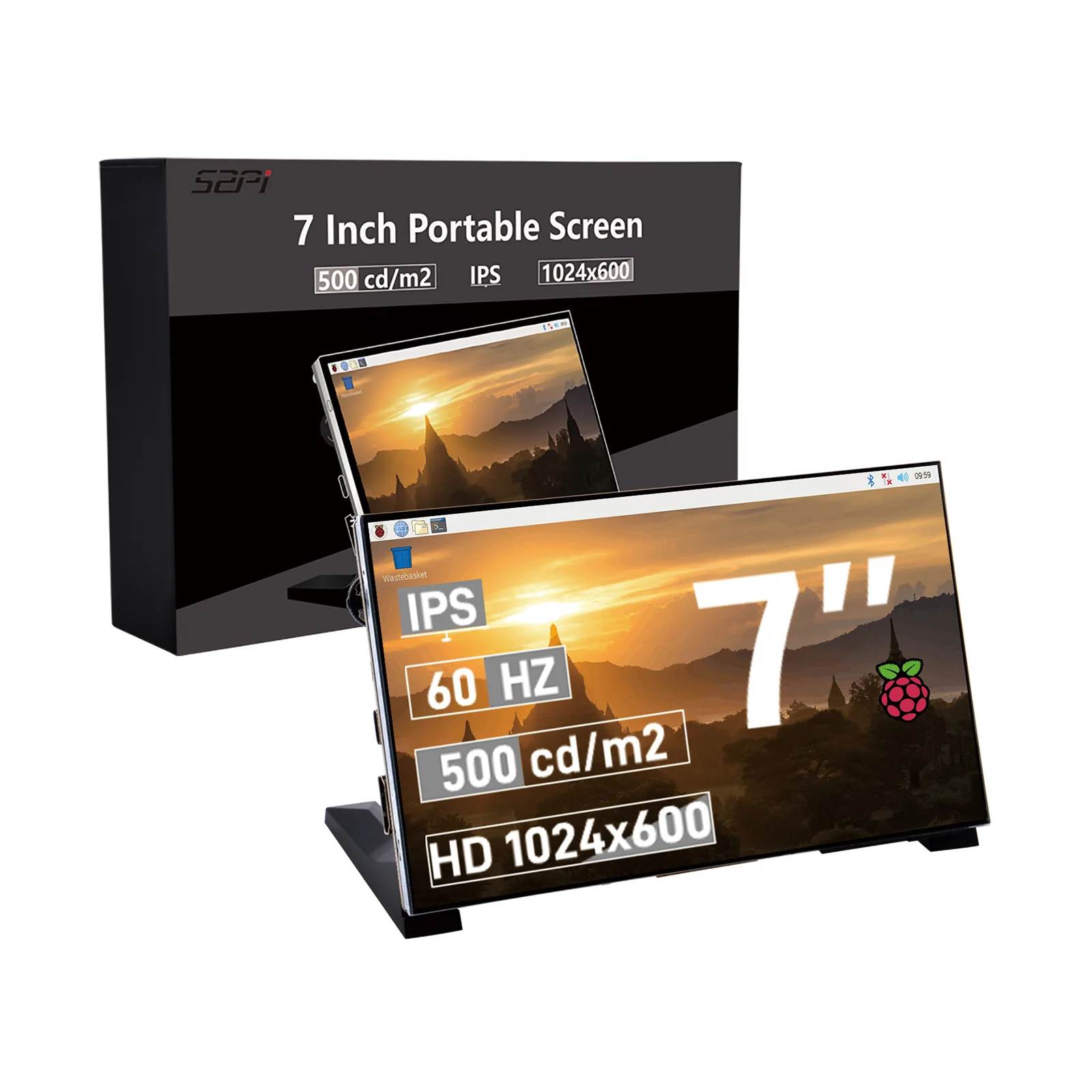
52Pi 7 Inch HDMI IPS Display (1024x600px)
A 7-inch IPS display, 1024x600 at 60Hz, great colour and high contrast; USB-C power and full-size HDMI.
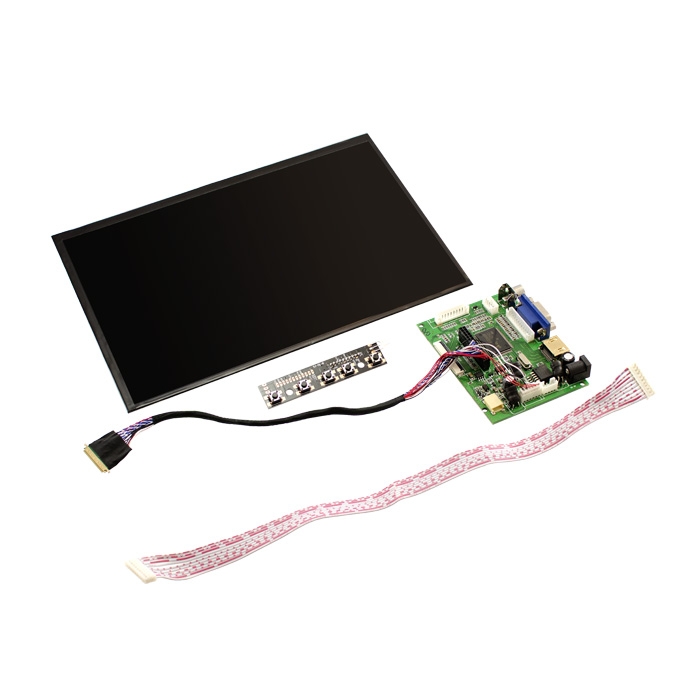
10.1inch Highlight IPS Digital LCD Screen with driver board
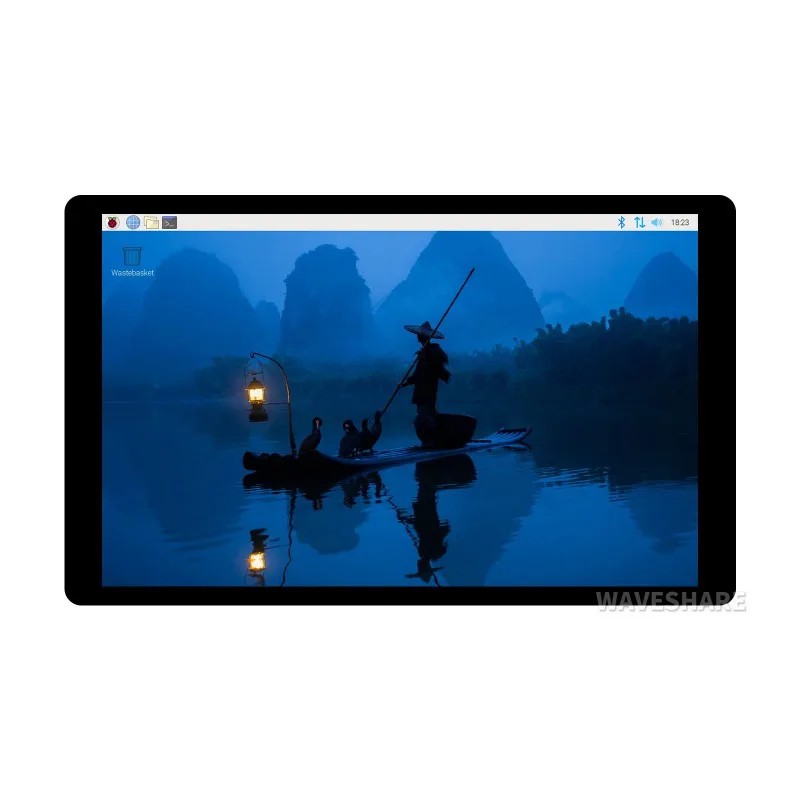
7inch DSI Capacitive Touch Display (1280×800, IPS Panel)
Ten-point touch, wide-gamut colour and a toughened glass front, all driven from a single DSI ribbon on your Raspberry Pi.
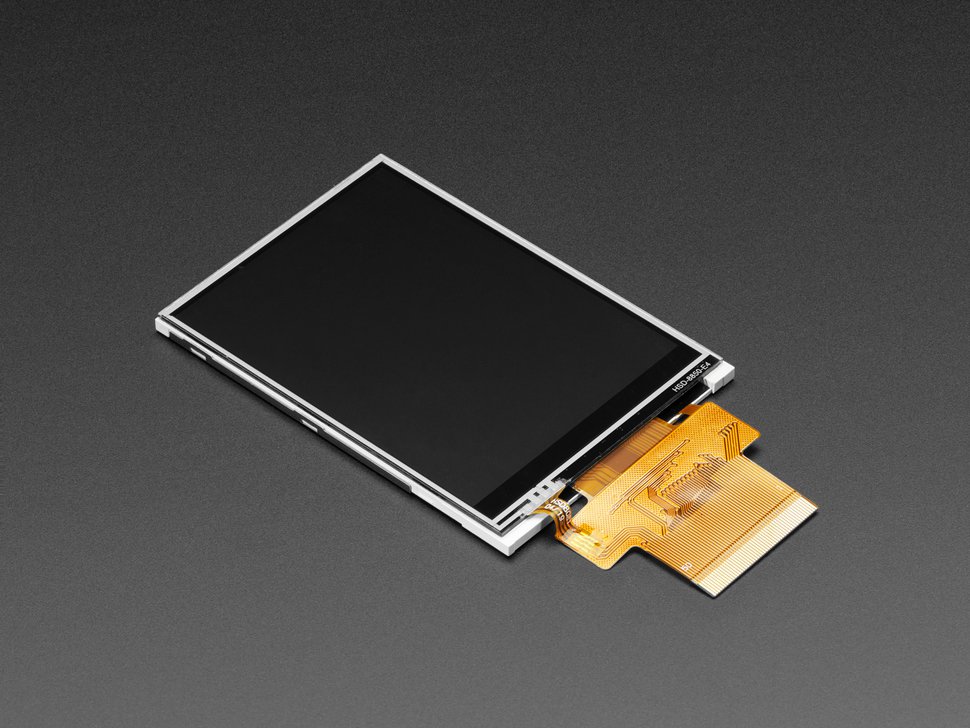
3.2 TFT Display with Resistive Touchscreen
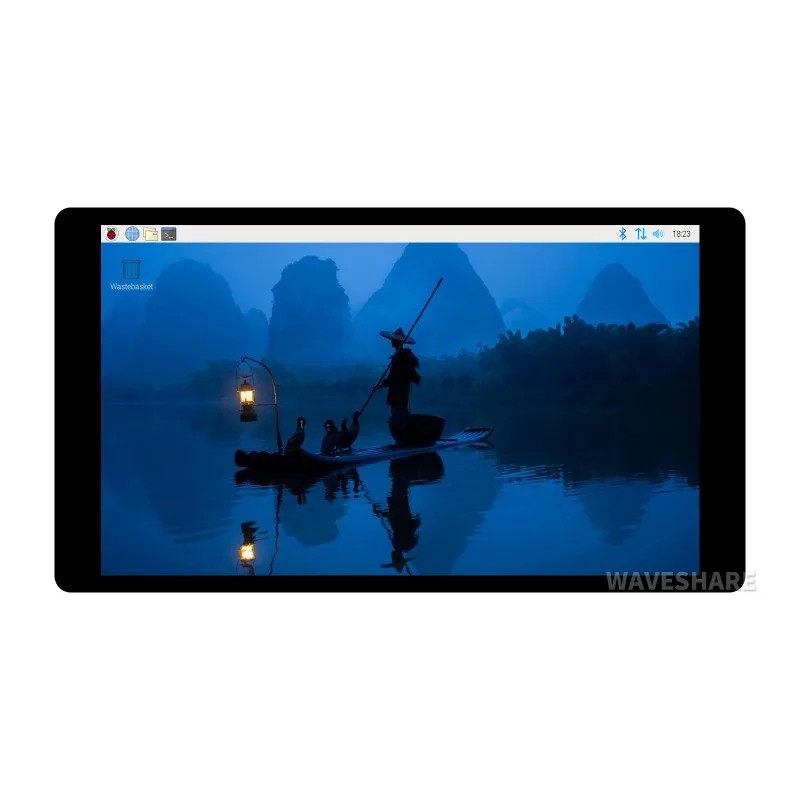
5inch DSI Capacitive Touch Display (720×1280, IPS Panel)
Sharp 720 × 1280 IPS touch panel that bolts straight onto a Raspberry Pi and leaves every GPIO pin free.

Makers love reviews as much as you do, please follow this link to review the products you have purchased.