
Search results for: 'raspberry pi 5 hats'
Learn




 How to Add an SSD To Your Raspberry Pi 5 with the M.2 HAT
 Raspberry Pi AI HAT 1 vs AI HAT 2: Which Should You Buy?
 YOLO Object Detection on the Raspberry Pi AI Hat+ | How to Write Custom Python Code
 Set Up a 7 Colour E-Ink Display For Raspberry Pi | Inky Impression 5.7" HAT
 Raspberry Pi Workshop - Chapter 2 - Using HATs and the Sense HAT Emulator

Raspberry Pi 5 M.2 HAT+
Connect M.2-format PCIe and NVMe devices to your Raspberry Pi 5 with the M.2 HAT.

Raspberry Pi AI HAT+ 2
A powerful and versatile machine learning HAT for the Pi 5 - run LLMs, VLMs and conventional vision models on low-power, edge hardware.

Power Over Ethernet HAT (G) For Raspberry Pi 5 (5V, 5A)

Power Over Ethernet HAT (F) For Raspberry Pi 5

Raspberry Pi 5 M.2 HAT+ (Compact)
A small form-factor alternative of the full size M.2 HAT - perfect for fitting into the Official Pi 5 Case.

Raspberry Pi AI HAT+ 26 TOPS for Raspberry Pi 5

Raspberry Pi AI HAT+ 13 TOPS for Raspberry Pi 5

UCTRONICS PoE+ HAT for Raspberry Pi 5 (5V 4.5A)

Waveshare 2 Channel PCIe M.2 for Raspberry Pi 5
PCIe To 2-Ch M.2 Adapter Type B for Raspberry Pi 5, Compatible with NVME 2280 / 2260 / 2242 / 2230 size NVME solid state drives.

Power Over Ethernet HAT (H) For Raspberry Pi 5

PCIe To M.2 E KEY Adapter HAT with PoE Function for Raspberry Pi 5 (Wireless NIC included)

CarPiHAT PRO 5 - Car Interface + DAC for Raspberry Pi 5
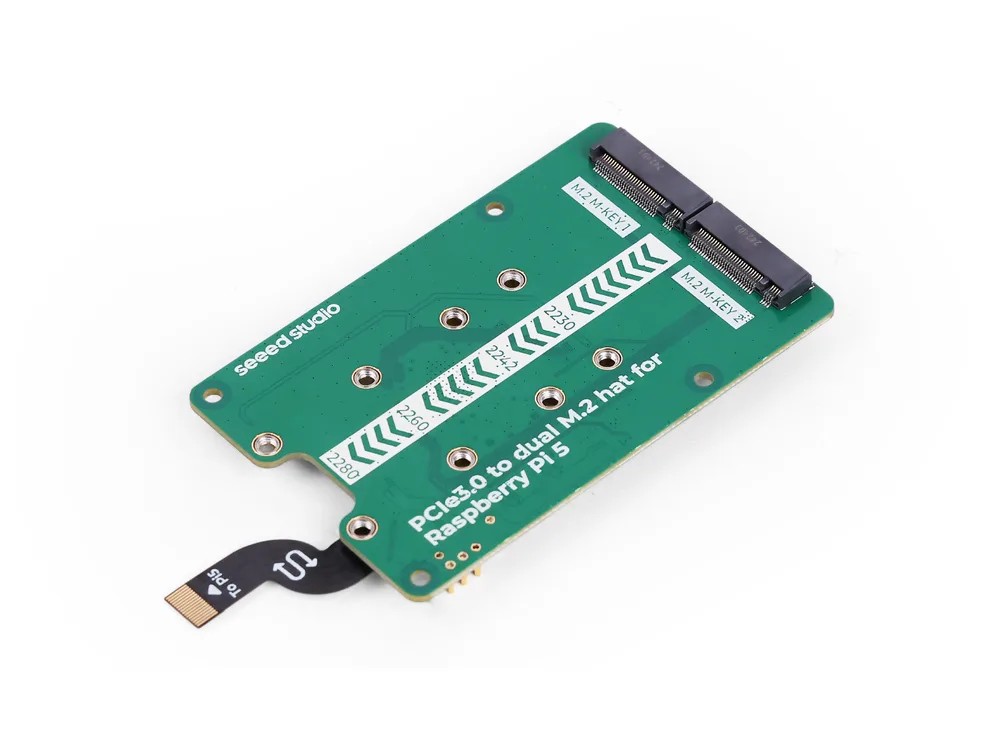
Seeed Studio PCIe 3.0 to Dual M.2 HAT for Raspberry Pi 5
Two M.2 slots for your Pi 5. Fit a pair of NVMe SSDs, or an SSD alongside a Hailo AI accelerator.
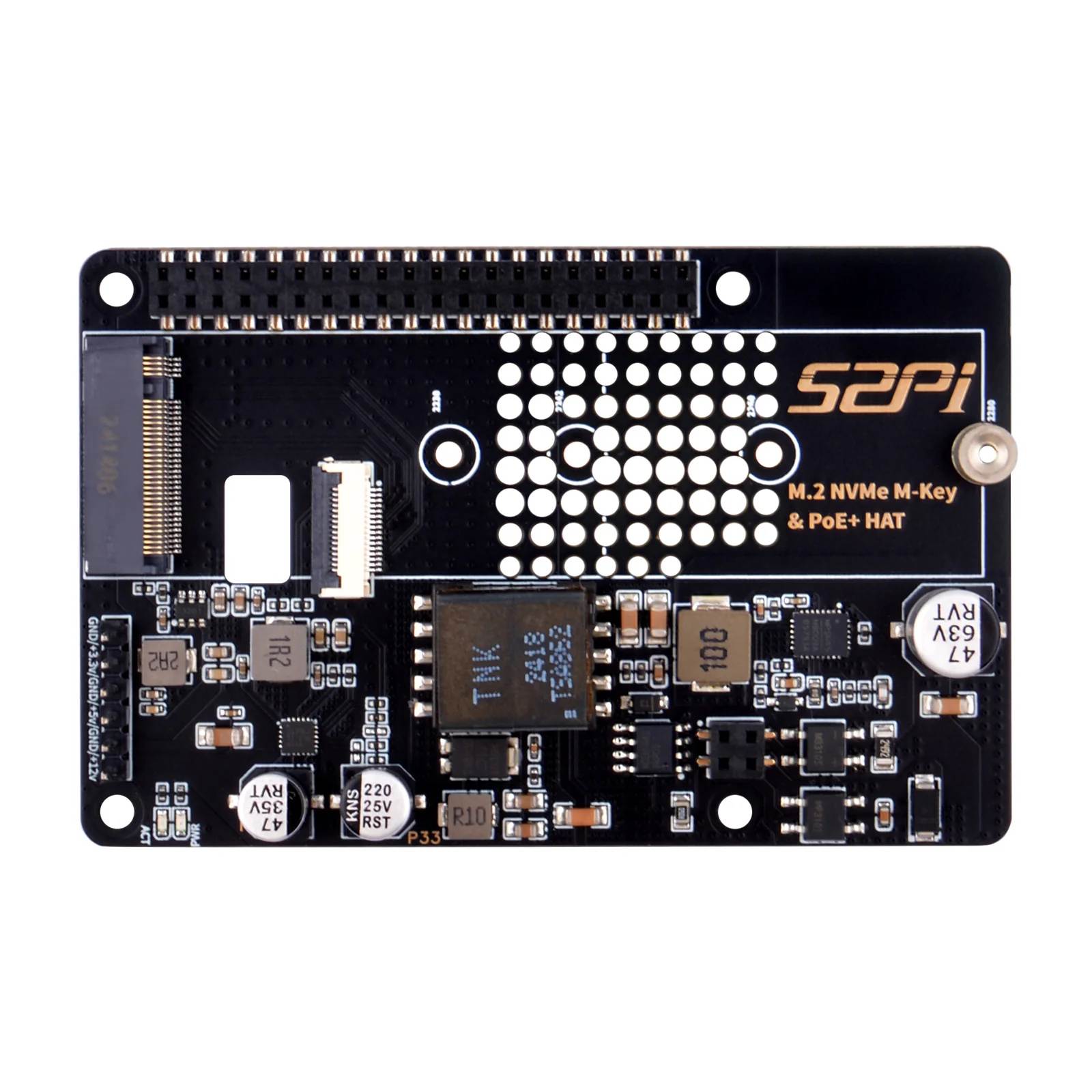
52Pi P33 M.2 NVMe & PoE+ HAT for Raspberry Pi 5
Run your Pi 5 from a single network cable and boot from a full-size NVMe SSD – power, data and fast storage in one tidy stack.

PCIe To Gigabit Ethernet And USB 3.2 Gen1 HAT For Raspberry Pi 5

52Pi B14 Quad FPC PCIe HAT for Raspberry Pi 5
Expand a Pi 5's FPC PCIe into four ports with a daisy-chainable PCIe switch, enabling multiple SSDs, GPUs or network interfaces with included FPC ribbon cables.

PCIe To USB 3.2 Gen1 HAT for Raspberry Pi 5

PCIe to 5G/4G/3G HAT for Raspberry Pi 5 (SIM8262E)

Raspberry Pi 5 Active Cooler
Unlock the untapped power of your Raspberry Pi 5 with our state-of-the-art Active Cooler. Prevent thermal throttling, optimize CPU-intensive tasks, and unleash the full potential of your Pi 5. Elevate your Raspberry Pi experience to unparalleled performance today!

Raspberry Pi PoE+ HAT
The plus in the title of PoE+ HAT is Raspberry Pi's signature for improvement, which this Power over Ethernet certainly is. It features support for 802.3at PoE+ with 25.5W of headroom (5Amps).
Four (4) standoffs and eight (8) screws are included for mounting the Hat to a Raspberry Pi!

KKSB HAT Case for Raspberry Pi 5

KKSB Case for Raspberry Pi 5 and M.2 NVMe HAT

64Pi Case for Raspberry Pi 5

M2.5 Standoffs for Pi HATs

KKSB Display Stand for Raspberry Pi 5 Touch Display V2 with space for HATs
Power up your Pi 5 + Display 2 projects with this sleek case - that can fit a HAT!

Raspberry Pi UPS HAT

Adafruit 16-Channel PWM / Servo HAT for Raspberry Pi - Mini Kit

4 Port USB HUB HAT for Raspberry Pi

MaticBox 5 Case for Raspberry Pi 5 - Black

Mini Tower Kit for Raspberry Pi 5
Compact mini-tower case for Raspberry Pi 5 with clear acrylic side panels, 0.96 inch OLED for CPU and temperature readouts, tower CPU cooler and PWM fan.

SparkFun Qwiic HAT for Raspberry Pi

Pimoroni Automation HAT for Raspberry Pi

Grove Base Hat for Raspberry Pi

Current/Voltage/Power Monitor HAT for Raspberry Pi (4 Channel)

Glass-Look Pi HAT Case - Pineboards Compatible

Raspberry Pi Hat Hardware Kit

Power Management HAT for Raspberry Pi

GPIO Header for Raspberry Pi HAT - 2x20 Short Female Header

PI 5 All-in-one Mini Computer Kit (4x USB3.0)
Multi-functional All-in-one Mini-Computer Kit Designed for Raspberry Pi 5, Aluminum Alloy Case, Options for Inside PCIe adapter board...

Argon Poly+ 5 Case with PWM Fan for Raspberry Pi 5 - BLACK
Discover the Argon Poly+ 5 Case with PWM Fan, a high-grade ABS plastic enclosure designed specifically for Raspberry Pi 5 featuring snap-on assembly, built-in SD card cover, with intelligent fan speed control.

Makers love reviews as much as you do, please follow this link to review the products you have purchased.