
Search results for: 'raspberry pi pico starter kit'
Learn


 Raspberry Pi Pico Workshop: Chapter 1.1 | Getting Started
 Raspberry Pi Pico Workshop: Chapter 2.3 | Introduction To Breadboarding & Circuits
 Raspberry Pi Pico Workshop: Chapter 1.4 | Board Walkthrough & Pinout
 Raspberry Pi Pico Workshop: Chapter 2.2 | Digital Outputs & MicroPython Basics
 Raspberry Pi Pico Workshop: Chapter 1.3 | Raspberry Pi Pico Variants

PiicoDev Starter Kit for Raspberry Pi Pico

Makerverse Essentials Kit
Essential components and hardware to begin working with Makerverse Kits

Kitronik Discovery Kit for Raspberry Pi Pico (Pico Included)

Pico W Weather Station Starter Kit
Build your own plug-and-play IoT weather station at home using the Pico W!

Pico Sensor Kit
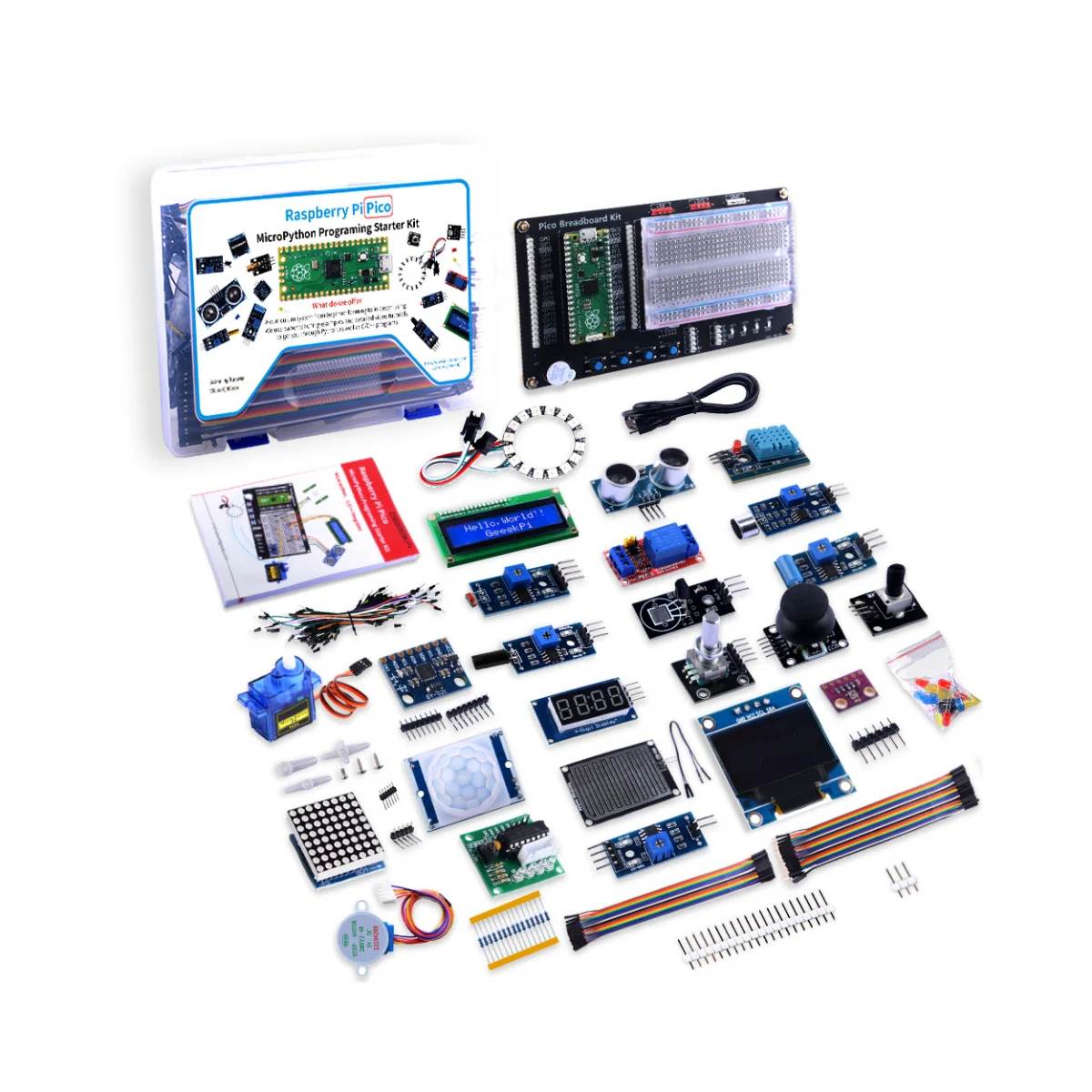
52Pi Raspberry Pi Pico MicroPython Sensor Kit (Pico Included)
Over twenty sensors, displays and actuators on one breadboard - go from first blink to a working project without buying another module.
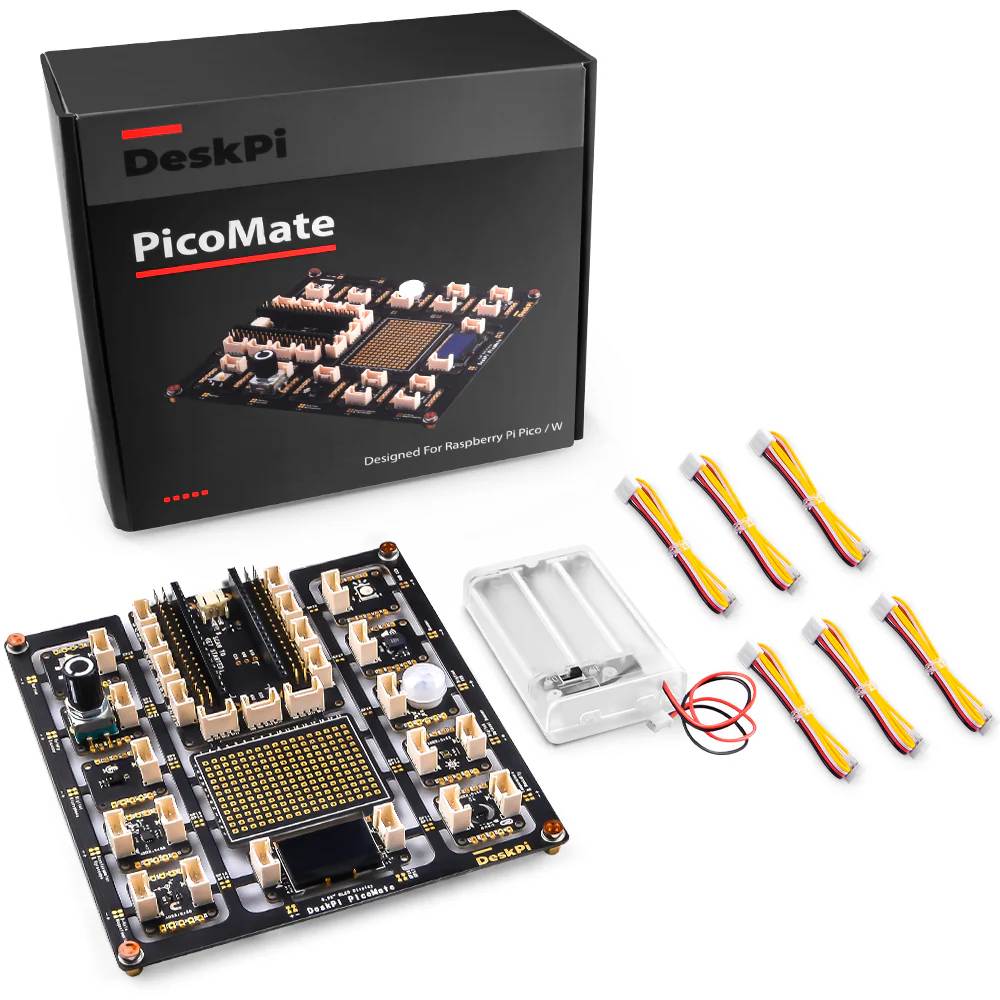
DeskPi PicoMate Prototyping Kit for Raspberry Pi Pico (Pico Not Included)
Learn sensors, displays and inputs with your Pico in minutes – every module comes pre-wired and ready to code.
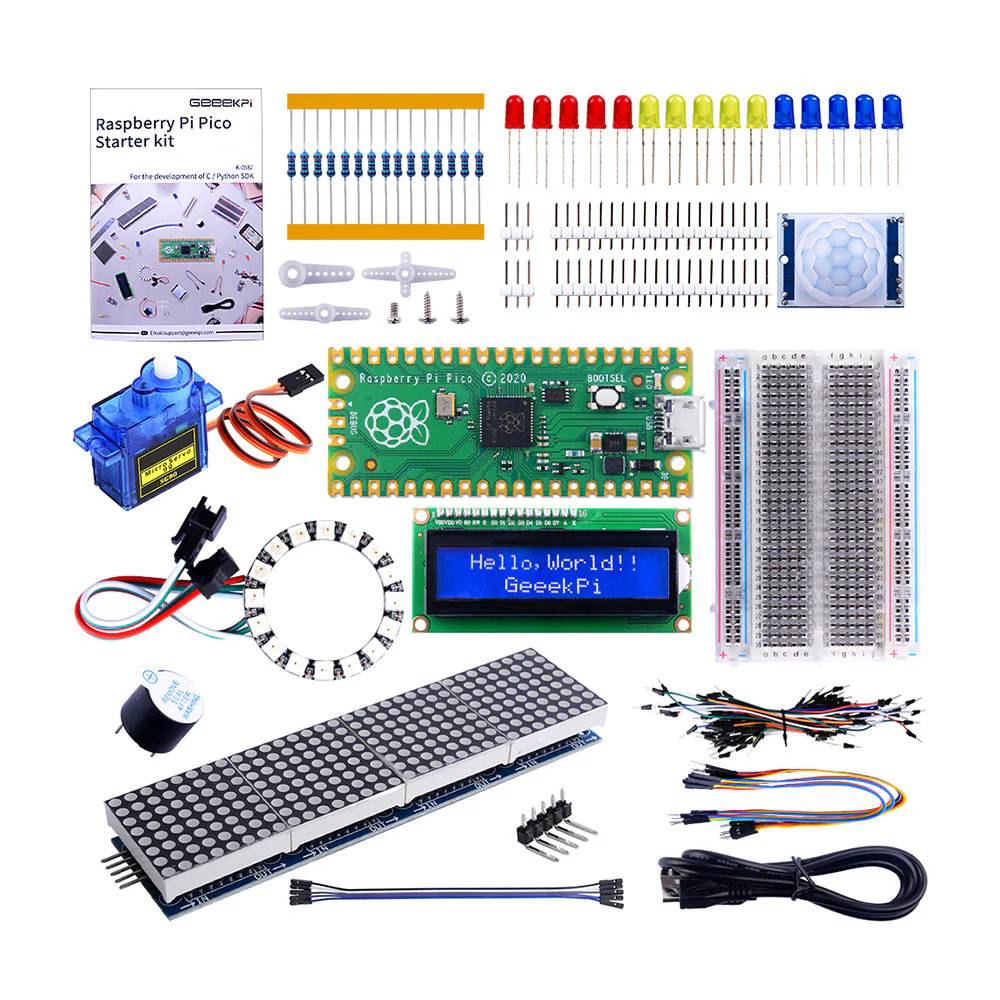
52Pi Raspberry Pi Pico Basic Starter Kit (Pico Included)
Learn to code real hardware with MicroPython: build eight hands-on projects with displays, lights, motion sensing and a servo.

Electronics Kit for Programming the Pico by Simon Monk - Pico Not Included

Pico W Perma-Proto Kit
Perfect for crafting a more permanent Pico W project!

ELECFREAKS Wukong2040 Inventor's Kit For Raspberry Pi Pico

Raspberry Pi Pico 2WH (Wireless WiFi, with Headers)
The Raspberry Pi Pico 2W with Headers pre-soldered. Ready for quick prototyping and projects.

PiicoDev Platform for Raspberry Pi Pico

Raspberry Pi Pico W (Wireless WiFi)
The Raspberry Pi Pico W is perfect for IoT and wireless projects, better still, it's such an affordable 32-bit microcontroller that is packed with peripheries including WiFi.

Makerverse Protoboard for Raspberry Pi Pico

PiicoDev Expansion Board for Pico (Non-Recharging)
Start experimenting with high-tech sensors and modules with Raspberry Pi Pico/RP2040. Use the on-board PiicoDev connector to quickly and easily connect with the PiicoDev family of sensor modules without soldering.
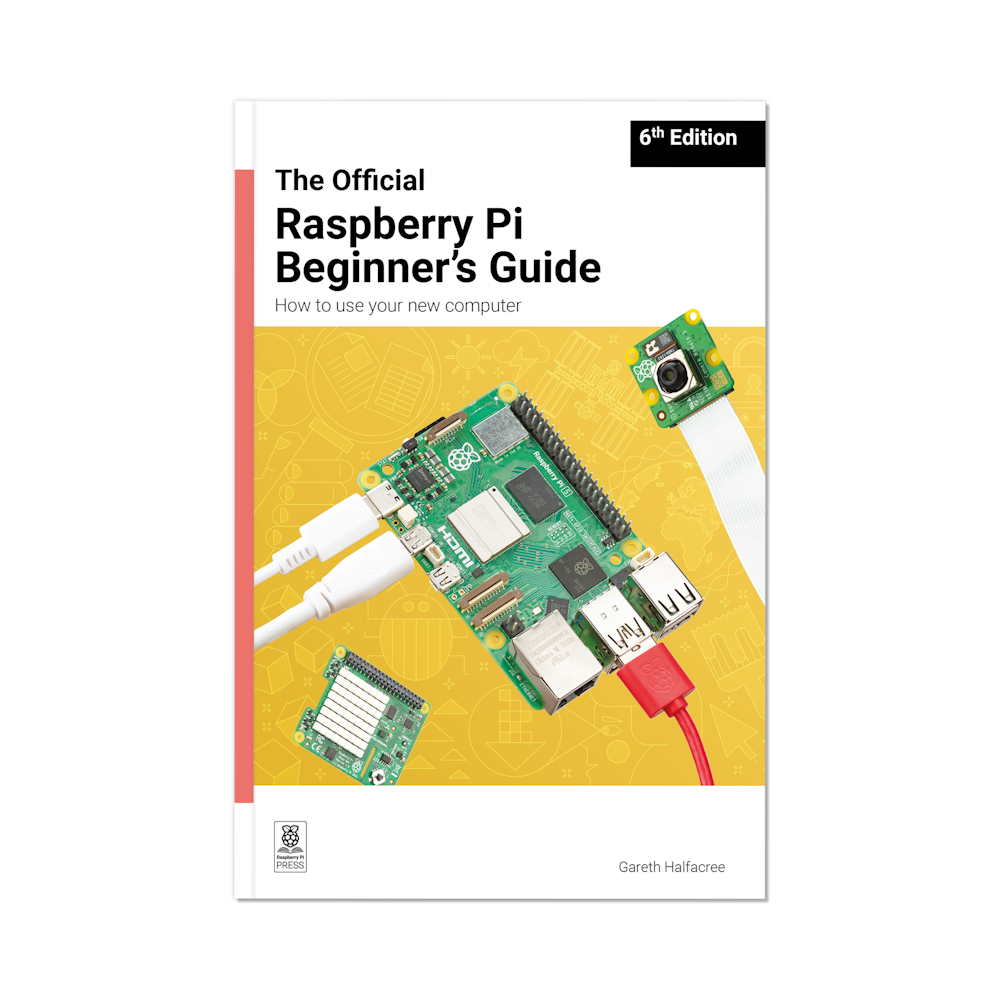
Raspberry Pi Official Beginner's Guide (6th Edition)
The 6th edition of the Official Raspberry Pi Beginner’s Guide, updated to include material on Raspberry Pi 500+ & Raspberry Pi OS Trixie.

Clipper 4G LTE IoT Starter Kit - SP/CE Compatible

Short Plug Headers for Raspberry Pi Pico - 2 x 20 Male Headers

Olimex PICO2-XL - RP2350 Board with 48 GPIO

UPS Module for Raspberry Pi Pico

Maker Pi Pico Base : Simplifying Pi Pico for Beginners (excl Pico)

Olimex PICO2-XXL - RP2350 Board with 48 GPIO

IO Expansion Board for Raspberry Pi Pico

Mini 2MP SPI Camera Module for Raspberry Pi Pico

Raspberry Pi Pico H GO Kit (Headers)
Get started with powering up your Pico remotely, an excellent kit to get started with the Pico!

Maker Pi Pico

Kitronik Discovery Kit for Raspberry Pi Pico (Pico not included)

Kitronik Mini Controller for Raspberry Pi Pico

Raspberry Pi Pico WH GO Kit (Wireless, Headers)
Get started with powering up your Pico W remotely, an excellent kit to get started with the Pico W!

DiP-Pi PIoT for Raspberry Pi Pico

Pico to Pi HAT X Converter

Raspberry Pi Pico (Without Headers)
Welcome to your Raspberry Pi Pico, the new flexible microcontroller board from Raspberry Pi.

Terminal GPIO Expansion for Pico

Raspberry Pi Pico to Uno FlexyPin Adapter

FlexyPin Adapter - Raspberry Pi Pico

Irrigation Board for Raspberry Pi Pico

Adafruit GPIO Reference Card for Raspberry Pi Pico

Arducam Pico4ML - RP2040 TinyML Dev Kit

DiP-Pi WiFi Master for Raspberry Pi Pico

Makers love reviews as much as you do, please follow this link to review the products you have purchased.