Search results for: '16x2 lcd display'

19 results

White I2C 16x02 LCD Display (White on Blue, 3/5V)

Brand: Waveshare
LCD1602 I2C Module, White color with blue background, 16x2 characters LCD, 3.3V/5V...
$12.25 AUD, inc GST

LCD1602 RGB Module, 16x2 Characters LCD, RGB Backlight, 3.3V/5V, I2C Bus

Brand: Waveshare
Adjustable RGB Backlight Color, I2C Communication, 3.3V/5V Compatible. Supports Raspberry Pi / Pi Pico, Jetson Nano, and Arduino...
$20.30 AUD, inc GST

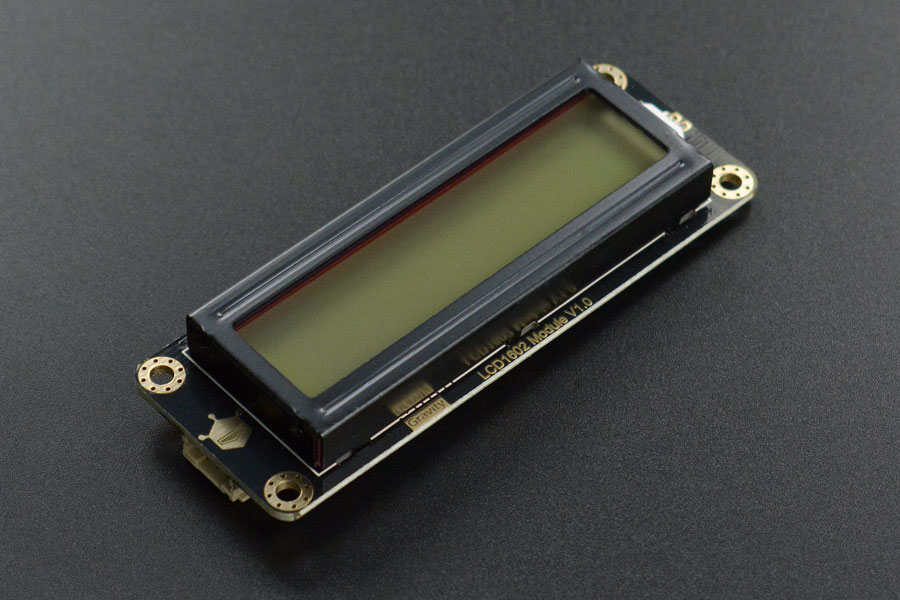
Gravity: I2C LCD1602 Arduino LCD Display Module (Blue)

Brand: DFRobot

Referring to the LCD1602, I believe that everyone is not unfamiliar with the square shape, green color, a row of 2.54 pin header.... LCD1602 module is a product...
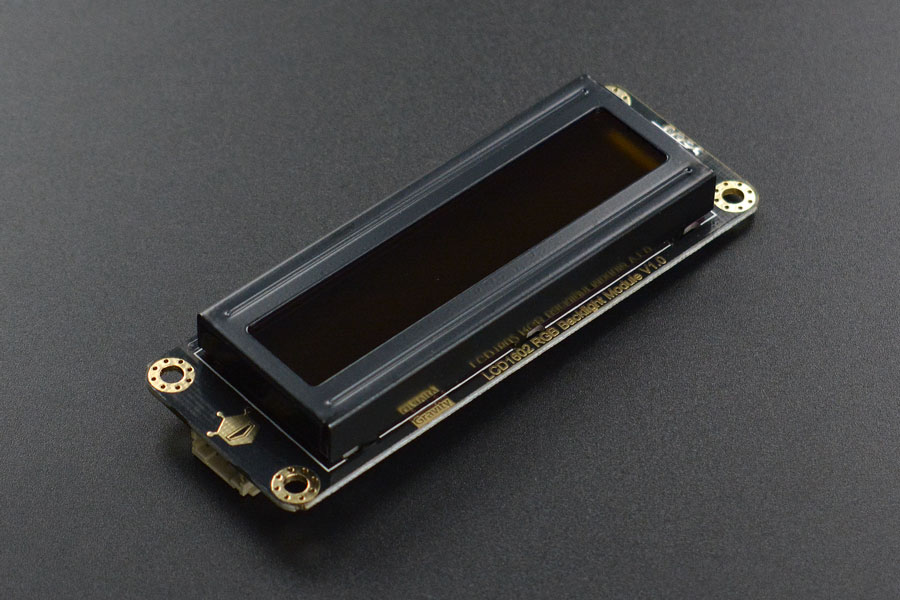
$18.90 AUD, inc GST

Gravity: I2C 16x2 Arduino LCD with RGB Font Display (Black)
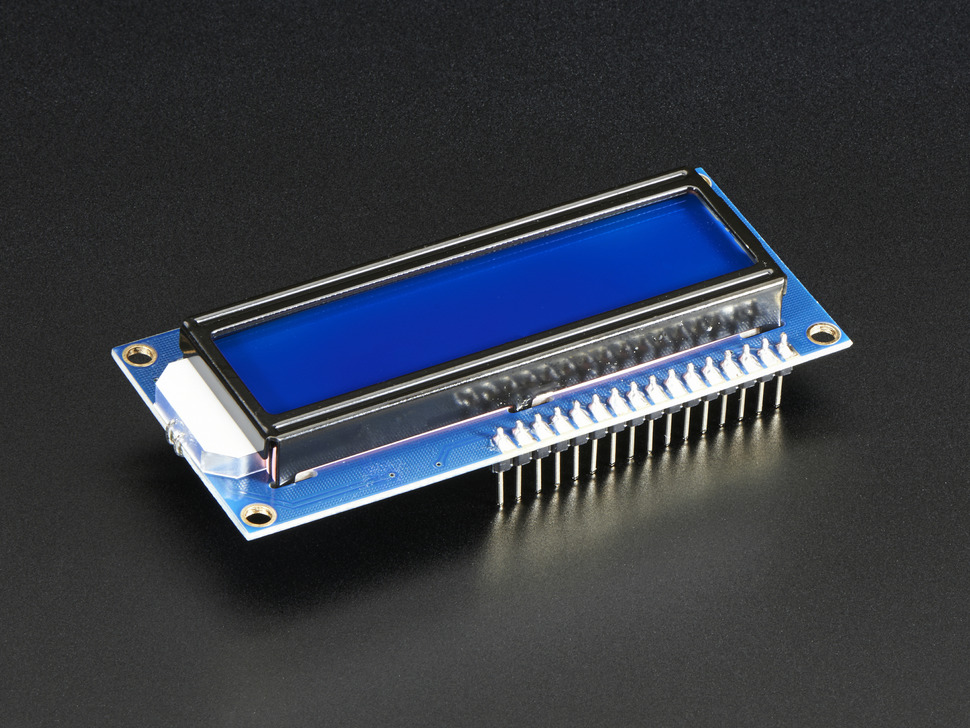
Brand: DFRobot
Accustomed to the same LCD screen, do you want to have a different experience? DFRobot LCD1602 will bring you a new visual feeling, It is not the same as the previous...
$20.30 AUD, inc GST

Gravity: I2C LCD1602 Arduino LCD Display Module (Green)

Brand: DFRobot

Referring to the LCD1602, I believe that everyone is not unfamiliar with the square shape, green color, a row of 2.54 pin header.... LCD1602 module is a product...

$18.90 AUD, inc GST

Assembled Standard LCD 16x2 + extras - White on Blue

Brand: Adafruit
Standard HD44780 LCDs are useful for creating standalone projects. This product is similar to Adafruit's Standard LCD 16x2 display but comes with the header soldered on!...
$22.75 AUD, inc GST

Standard LCD 16x2 + extras - white on blue

Brand: Adafruit
Standard HD44780 LCDs are useful for creating standalone projects. 16 characters wide, 2 rows White text on blue background Connection port is 0.1" pitch, single...
$21.55 AUD, inc GST

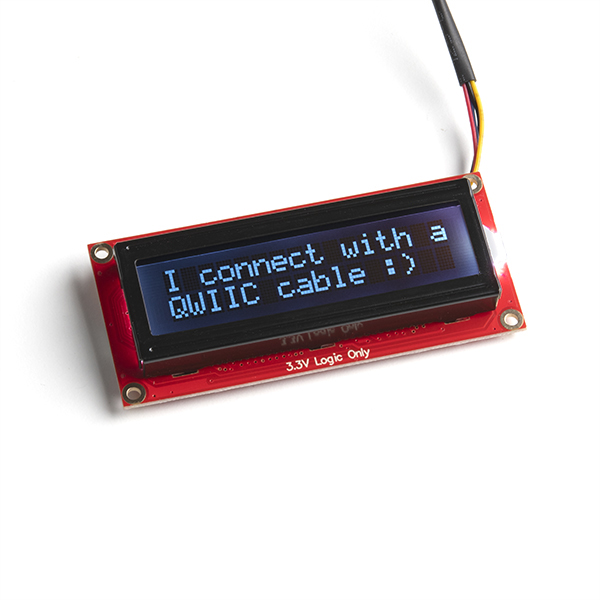
Basic 16x2 Character LCD - White on Black 5V

Brand: Sparkfun
This is a basic 16 character by 2 line display with a snazzy black background with white characters. Utilizes the extremely common HD44780 parallel interface chipset (datasheet). Interface code is freely available. You will need ~11 general I/O pins to interface to this LCD screen. Includes white LED backlight.
$43.45 AUD, inc GST

Basic 16x2 Character LCD - RGB Backlight 5V

Brand: Sparkfun
This is similar to other 16x2 character LCDs that you’ve seen before but with one vibrant difference: The backlight is actually an RGB LED. This means that you can change the backlight of this display to any color you want by controlling the three backlight levels. It also utilizes an extremely common parallel interface so code is freely available (check below for an Arduino example). You will need ~11 general I/O pins to interface to this LCD screen, plus an extra 3 pins for the RGB backlight.
$37.75 AUD, inc GST

SparkFun Basic 16x2 Character LCD - White on Black, 5V (with Headers)

Brand: Sparkfun
This is a basic 16 character by two line display with a snazzy black background with white characters. This LCD utilizes the extremely common HD44780 parallel interface...
$41.70 AUD, inc GST

IIC LCD1602 (Gadgeteer Compatible)

Brand: DFRobot

This is another great LCD display compatible with Gadgeteer modules from DFRobot. With limited pin resources, your project will quicly run out of resources using normal LCDs. With this I2C interface LCD module, you only need 2 lines (I2C)to display the information.If you already have I2C devices in your project, this LCD module actually cost no more resources at all. The address can be set from 0x20-0x27.Fantastic for Arduino or gadgeteer based projects.

$18.50 AUD, inc GST

RGB backlight positive LCD 16x2 + extras - black on RGB

Brand: Adafruit
This is a fancy upgrade to standard 16x2 LCDs, instead of just having blue and white, or red and black, this LCD has black characters on a full color RGB-backlight...
$26.65 AUD, inc GST

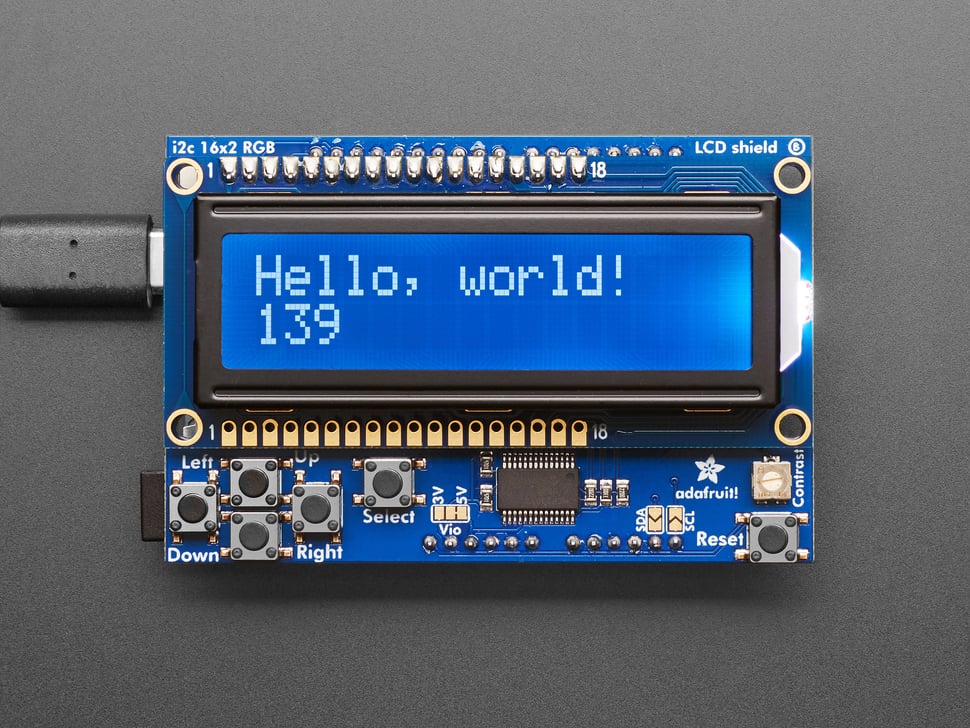
RGB LCD Shield Kit w/ 16x2 Character Display - Only 2 pins used! - NEGATIVE DISPLAY

Brand: Adafruit

This new Adafruit shield makes it easy to use a 16x2 Character LCD. Adafruit really like the RGB LCDs Adafruit stock in the shop both the RGB negative and RGB positive.

$46.50 AUD, inc GST

I2C RGB Backlight LCD 16x2 Display Module for Arduino (Black Text)

Brand: DFRobot
This product includes a 2x16 LCD display and 6 momentary push buttons. Pins 4, 5, 6, 7, 8, 9 and 10 are used to interface with the LCD and Analog Pin 0 is used to read the work status of five pushbuttons.
$23.50 AUD, inc GST

Gravity: I2C LCD1602 Arduino LCD Display Module (Gray)

Brand: DFRobot
Referring to the LCD16020, I believe that everyone is not unfamiliar with the square shape, green color, a row of 2.54 pin header.... LCD1602 module is a product...
$19.40 AUD, inc GST

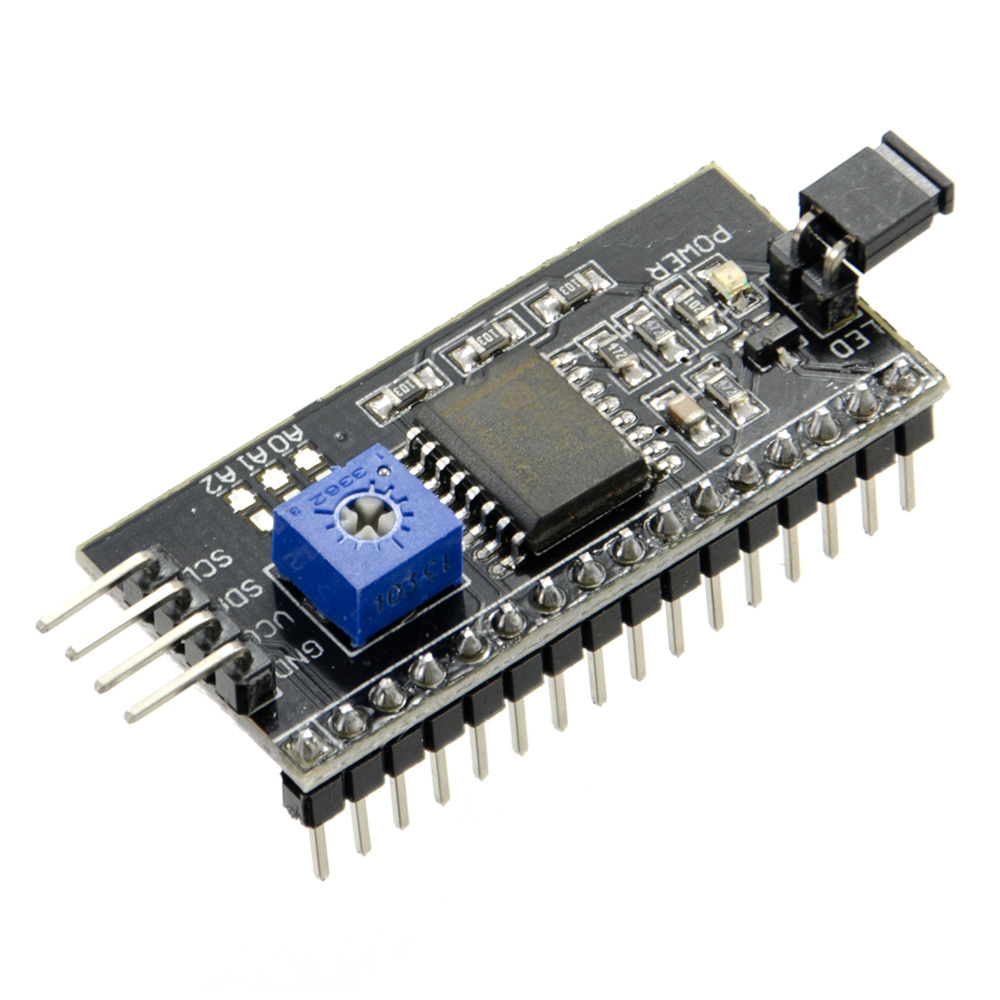
I2C LCD Backpack for 1602 to 2004 LCDs

Brand: Core Electronics
Almost every electronics enthusiast has run into pin issues with 1602 or the like LCDs. This module has a PCF8574T onboard which reduces the number of data pins needed to control the LCD down to 2! This excludes the power/ground pins which are also required.
$2.45 AUD, inc GST

RGB LCD Shield Kit w/ 16x2 Character Display - Only 2 pins used! - POSITIVE DISPLAY
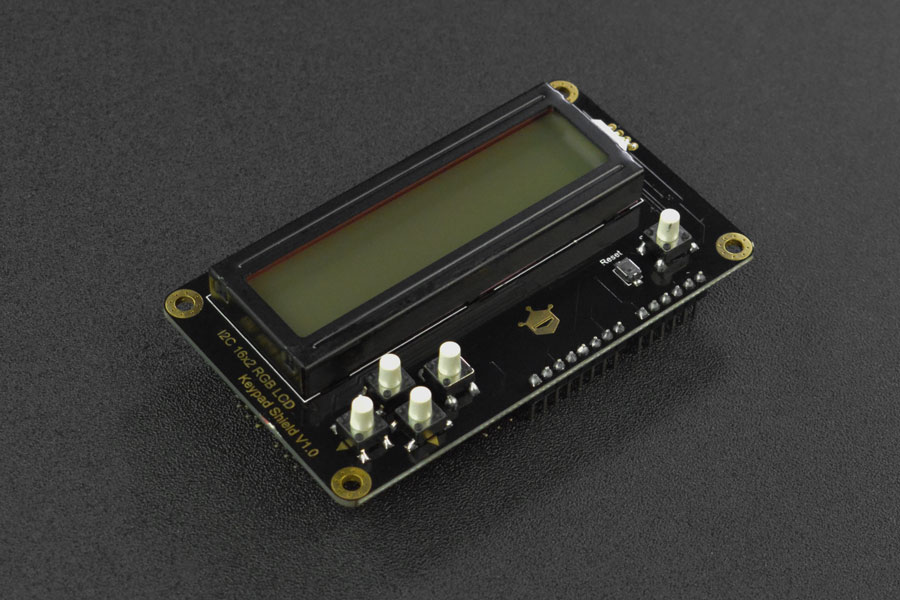
Brand: Adafruit
This new Adafruit shield makes it easy to use a 16x2 Character LCD. Adafruit really like the RGB LCDs Adafruit stock in the shop both the RGB negative and RGB positive. Unfortunately...
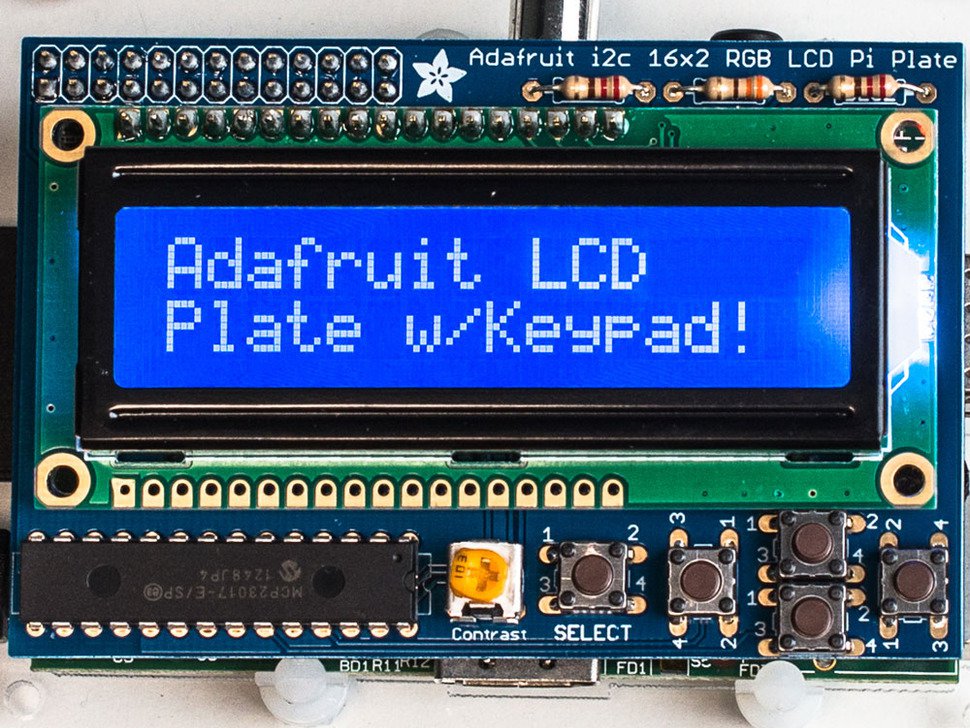
$47.75 AUD, inc GST

i2c / SPI character LCD backpack

Brand: Adafruit

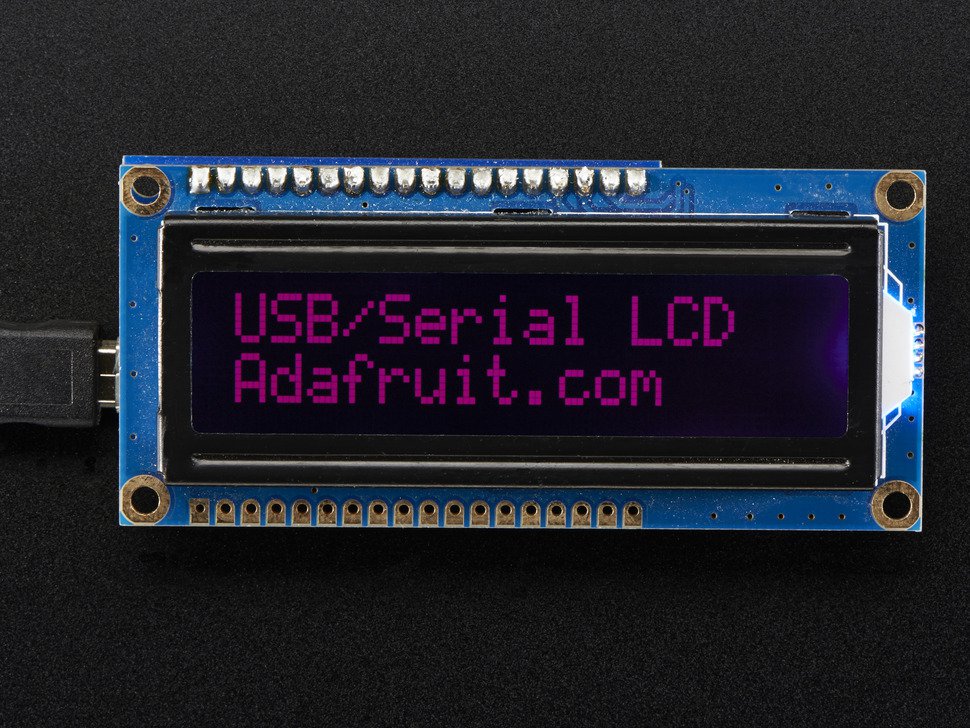
LCDs are a fun and easy way to have your microcontroller project talk back to you. LCD backpacks reduce the number of pins needed to connect to an LCD. 
$19.30 AUD, inc GST
Similar matches

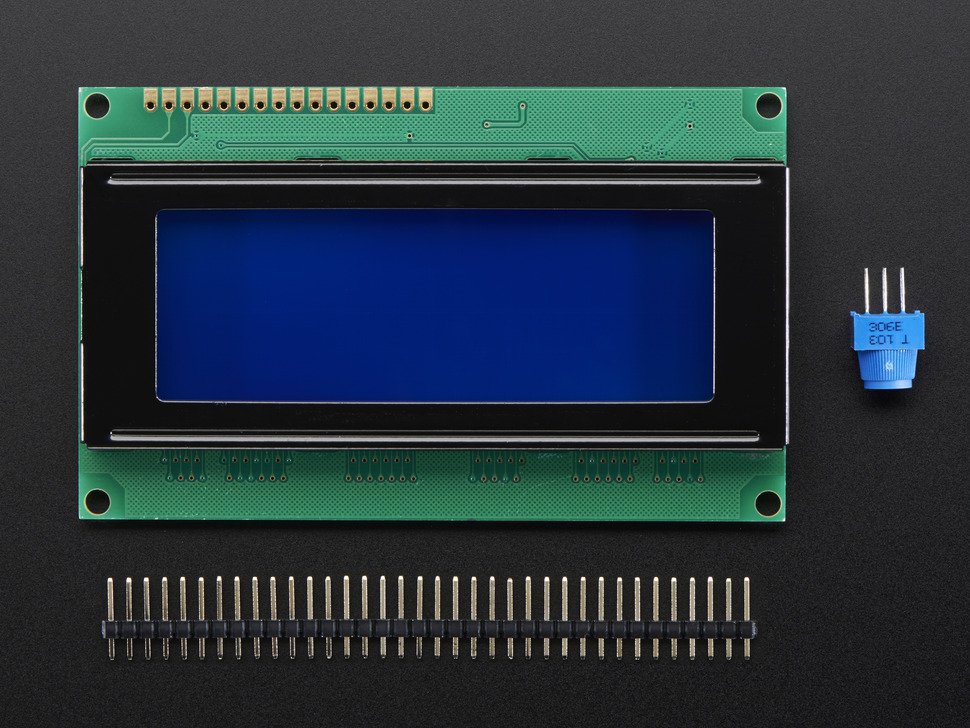
Standard LCD 20x4 + extras - white on blue

Brand: Adafruit
Standard HD44780 LCDs are useful for creating standalone projects. 20 characters wide, 4 rows White text on blue background Connection port is 0.1" pitch, single...
$38.95 AUD, inc GST
Feedback

Please continue if you would like to leave feedback for any of these topics:

  • Website features/issues
  • Content errors/improvements
  • Missing products/categories
  • Product assignments to categories
  • Search results relevance

For all other inquiries (orders status, stock levels, etc), please contact our support team for quick assistance.

Note: click continue and a draft email will be opened to edit. If you don't have an email client on your device, then send a message via the chat icon on the bottom left of our website.

Makers love reviews as much as you do, please follow this link to review the products you have purchased.