
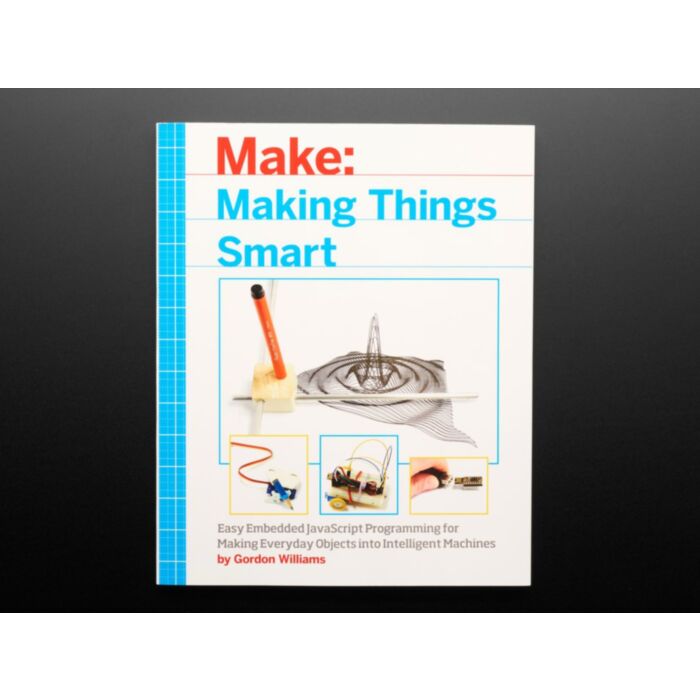
Making Things Smart - JavaScript for Microcontrollers - by Gordon Williams
Retired Product
Search for an alternativeAuthor Gordon Williams writes, "We humans have endless imaginations. 'Making' -- whether that's painting, designing, building, or programming -- can be one of the most satisfying human experiences. Standing back from a creation and thinking, 'I made that,' is one of the best feelings I know."
Whether you're into robotics or other forms of electromechanics, Make: Making Things Smart is a great, approachable resource for beginner and intermediate makers. This instructional book lays out the ABCs of programming with engaging, but inexpensive homemade projects, giving YOU a solid, hands-on foundation in Javascript and Espruino. You only need everyday household tools (and the Espruino microcontroller) for these fun devices!
Adafruit are huge fans of the Espruino - the world's first open-source JavaScript microcontroller! This little board has an STM32 microcontroller pre-programmed with Espruino all ready to go so you can start playing with Javascript-microcontrollers. The Espruino is a tiny computer with a JavaScript interpreter, allowing for instant feedback from whatever device you're working with. Simply set up your code with the Espruino and send it to the device without having to wait for the board to 'flash.'
The Espruino's fast response time has a lot of advantages. It allows for quick and easy debugging and is a great way to test your project before your big reveal. In addition, you can control the Espruino from almost anything - Windows, Mac OS, Linux, RasPi, Android, anything that can talk to a USB Serial port.
This book is a perfect partner for learning Making and Electronics and JavaScript with Espruino - it's very easy and very satisfying!
Projects in this book include:
- What is an Electric Motor?
- Experiment 1: Faraday’s Motor
- Experiment 2: Motor with Commutator
- Experiment 3: Stepper Motor
- Experiment 4: Stepper Motor Control
- Experiment 5: More Stepper Motor Control
- Stroboscope Tachometer
- Experiment 6: Detecting Speed
- Experiment 7: Stroboscope
- Experiment 8: Brighter Stroboscope
- John Logie Baird’s TV
- Experiment 9: Persistence of Vision
- Experiment 10: John Logie Baird’s TV
- Make a Simple Robot
- Experiment 11: Try Out a Servo Motor
- Experiment 12: Make a Simple Robot
- Experiment 13: Following Light
- Pen Plotter
- Experiment 14: Pen Plotter
- Digital Pinhole Camera
- Experiment 15: Making a Digital Camera
- Printer
- Experiment 16: Making a Printer
- Wired Communication
- Experiment 17: Making an Oscilloscope
- Cutting the Cord: Infrared
- Experiment 18: Making the IR Receiver
- Experiment 19: Decoding IR Signals
- Experiment 20: Using Adafruit's Decoded Signal
- Experiment 21: Using Adafruit's Remote Control on the Net, with dweet.io
- Experiment 22: Using Adafruit's Remote Control on the Net, with IFTTT
- Cutting the Cord: Radio Signals
- Experiment 23: Wiring Up the Receiver
- Experiment 24: Wiring Up a Transmitter
- Experiment 25: Transmitting from Espruino
- Experiment 26: Decoding the Received Data
- Connecting with WiFi
- Experiment 27: Adding WiFi to Your Pico
- Experiment 28: Testing Your Wiring
- Experiment 29: Connecting to WiFi
- Experiment 30: Sending Data to the Internet
- Experiment 31: Getting Data from the Internet
- Experiment 32: Creating a Server
- Bluetooth Low Energy
- Experiment 33: Using Puck.js
- Experiment 34: Making a Door Opening Counter
- Experiment 35: Advertising Door Openings
- Experiment 36: Receiving Door Openings with Eddystone
- XY Plotter
- Experiment 37: Making an XY Table
- Experiment 38: Controlling the XY Table
- Internet-Connected Plotter
- Experiment 39: Internet-Connected Plotter
Exact shipping can be calculated on the view cart page (no login required).
Products that weigh more than 0.5 KG may cost more than what's shown (for example, test equipment, machines, >500mL liquids, etc).
We deliver Australia-wide with these options (depends on the final destination - you can get a quote on the view cart page):
- $3+ for Stamped Mail (typically 10+ business days, not tracked, only available on selected small items)
- $7+ for Standard Post (typically 6+ business days, tracked)
- $11+ for Express Post (typically 2+ business days, tracked)
- Pickup - Free! Only available to customers who live in the Newcastle region (must order online and only pickup after we email to notify you the order is ready). Orders placed after 2PM may not be ready until the following business day.
Non-metro addresses in WA, NT, SA & TAS can take 2+ days in addition to the above information.
Some batteries (such as LiPo) can't be shipped by Air. During checkout, Express Post and International Methods will not be an option if you have that type of battery in your shopping cart.
International Orders - the following rates are for New Zealand and will vary for other countries:
- $12+ for Pack and Track (3+ days, tracked)
- $16+ for Express International (2-5 days, tracked)
If you order lots of gear, the postage amount will increase based on the weight of your order.
Our physical address (here's a PDF which includes other key business details):
40 Aruma Place
Cardiff
NSW, 2285
Australia
Take a look at our customer service page if you have other questions such as "do we do purchase orders" (yes!) or "are prices GST inclusive" (yes they are!). We're here to help - get in touch with us to talk shop.
Have a product question? We're here to help!
Guides

The Maker Revolution
Projects
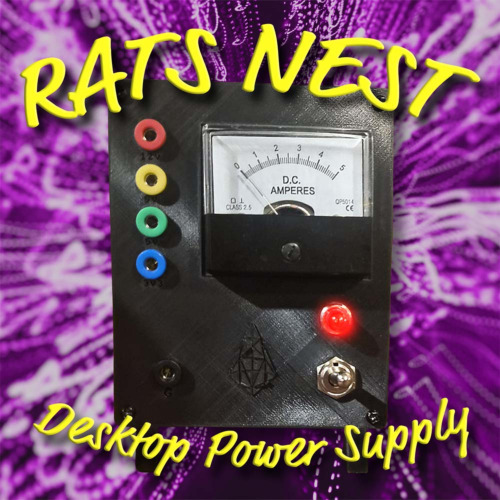
The Rats Nest VCC Desktop Power Supply
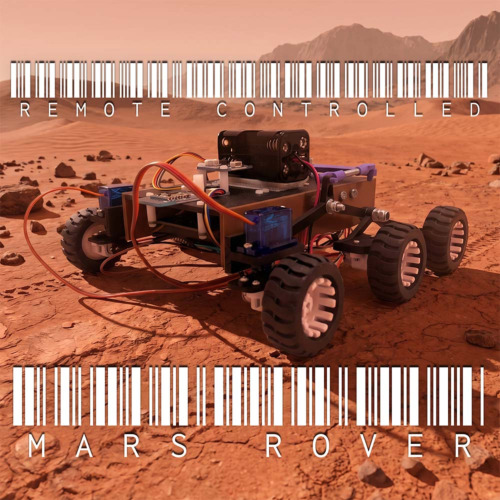
Remote-Controlled Mars Rover
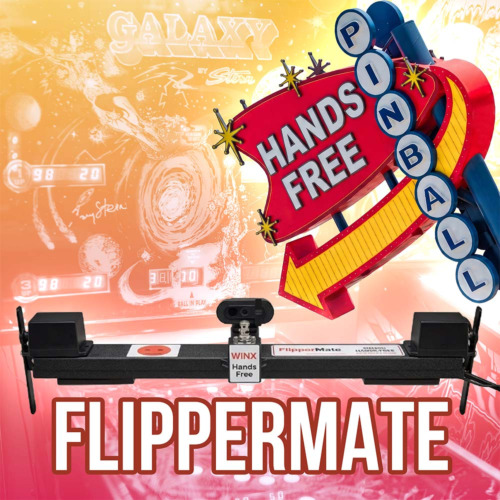
FlipperMate: Hands-Free Pinball

Makers love reviews as much as you do, please follow this link to review the products you have purchased.
Product Comments