
Search results for: 'PicoBuck LED Driver'

PicoBuck LED Driver
Brand: Sparkfun
The PicoBuck LED Driver is an economical and easy to use driver that will allow you to control and blend three different LEDs on three different channels. By default, each channel is driven at 330mA; that current can be reduced by either presenting an analog voltage or a PWM signal to the board. Version 12 of the board adds a solderable jumper that can be closed to increase the maximum current to 660mA. The new voltage regulator also increased the voltage rating on the various components on the board, allowing it to be used up to the full 36V rating of the AL8805 part.
$28.90 AUD, inc GST

Cool White LED Dots for Tiny FX (6-Pack)
Brand: Pimoroni
Discover Cool White LED Dots designed for Tiny FX integration, featuring 15cm JST-SUR connectors and perfect fitment inside studs and bricks - ideal for custom lighting projects.
$8.40 AUD, inc GST
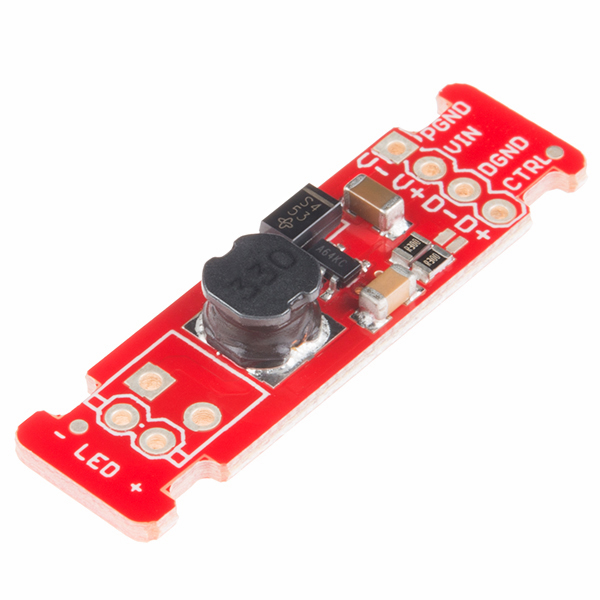
FemtoBuck LED Driver
Brand: Sparkfun
This is the FemtoBuck, a small-size single-output constant current LED driver. Each FemtoBuck has the capability to dim a single high-power channel of LEDs from 0-350mA at up to 36V while the dimming control can be either accessed via PWM or analog signal from 0-2.5V. This board is based off of the PicoBuck LED Driver, developed in collaboration with Ethan Zonca, except instead of blending three different LEDs on three different channels the FemtoBuck controls just one.
$14.90 AUD, inc GST
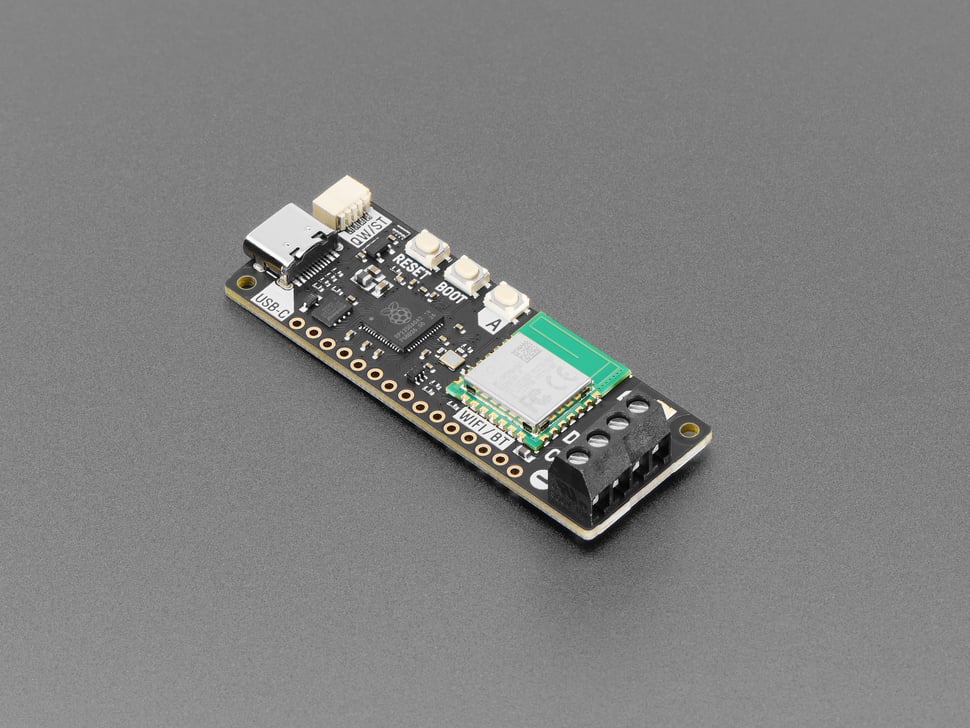
Pimoroni Plasma 2350 W - Wireless RP2350 LED Driver - PIM729
Brand: Adafruit
The Pimoroni Plasma 2350 W is an all-in-one, USB-C powered controller for WS2812 (a.k.a NeoPixel) and APA102 (a.k.a DotStar) addressable LED strips. Now...
$43.45 AUD, inc GST

Makers love reviews as much as you do, please follow this link to review the products you have purchased.